
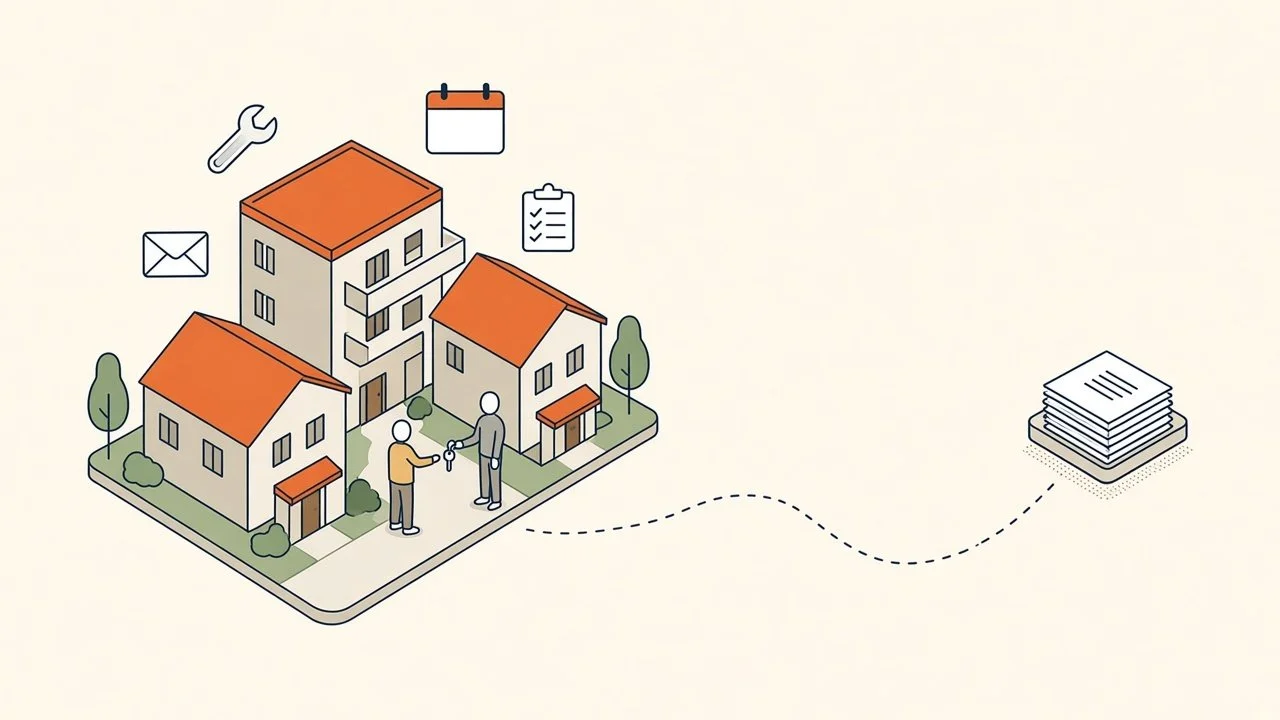
It's 8:15 on a Monday and your property manager hasn't made it past the inbox. There's an overnight message about water under a kitchen sink, three leasing inquiries asking the same question about pets, an owner who wants to know why this month's statement is lower, a vendor invoice with no work order number, and a folder of move-out photos still sitting on someone's phone from Friday.
None of it is hard. All of it is urgent to somebody. And in a college town like Auburn, August stacks a year's worth of move-ins, move-outs, and turns into a few weeks.
AI helps a property management company when it takes the first pass on that flood of messages and paperwork, and leaves the judgment calls with your people. Here's what that looks like for a company with 10 to 100 people, the size where your managers are also your leasing team, your owner relations team, and sometimes your after-hours line.
TL;DR: A property management workstation is one AI on a business account your company owns, connected to your email, calendar, file storage, and property management system. It sorts maintenance requests, drafts leasing replies, writes the plain-English note on owner statements, tracks renewals, and turns inspection notes into a draft move-out list. Screening, pricing, deposit decisions, and anything legal stay with your people.
Maintenance requests: sorted by urgency, with the right questions asked and a draft work order ready.
Leasing inquiries: consistent answers pulled from your approved listing details and showing times.
Owner reports: a short note that explains the month's numbers before the owner has to ask.
Renewals and notices: lease end dates tracked and renewal letters drafted for your manager to price.
Move-outs: inspection notes and photos turned into a draft itemized list for your manager to review.
First, what we mean by a "workstation"
A workstation is a single AI (Claude, ChatGPT, Gemini, or Microsoft Copilot on a business account your company owns) connected to the systems you already run and set up to know how your company works. It reads from those tools, drafts the work, and hands it to a person to approve.
For a property management company, that usually means Outlook or Gmail, your calendar, file storage like Google Drive, SharePoint, or Dropbox, and property management systems like AppFolio, Buildium, Rent Manager, or Yardi Breeze. Some of those connect directly. Others work through exports, email notifications, and shared files. We check what your systems allow before promising anything.
The payoff is memory. A workstation that knows your properties, your vendor list, your pet policy, and how your team talks to residents gets more useful every week. Nobody has to explain the same building to it twice.
1. Maintenance requests sorted before anyone picks up the phone
Maintenance is where the day goes sideways, and most of the lost time is in the back and forth before a vendor is ever called.
A workstation can read each request as it comes in, sort it against the urgency rules you set (active leak, no heat, lockout, routine), and send the resident a reply that asks for what your team always needs: a photo, a good time to enter, whether the pet will be home. It drafts the work order with the unit, the issue, and the vendor you normally use for that job, and your coordinator approves it.
Emergencies still go straight to a person. The workstation follows your rules for what counts as urgent. It doesn't make that call on its own, and your after-hours process stays exactly as it is.
It also helps on the other end. When the vendor invoice shows up without a work order number, the workstation can match it to the job, flag what doesn't line up, and save your bookkeeper the detective work.
2. Leasing inquiries answered the same way every time
Leasing questions repeat. Is the unit still available? Are pets allowed? When can I see it? What's included in rent?
A workstation can draft replies from the listing details and policies you've approved, offer the showing times on your calendar, and log the inquiry so nobody follows up twice or not at all. Your leasing agent reviews and sends, or approves a set of standard answers for the simple questions.
Consistency matters here for more than speed. Fair Housing rules expect every prospect to get the same information and the same treatment. A workstation that answers from one approved set of facts helps with that. It doesn't replace your training or your review, and screening decisions, who gets approved, and anything that touches an application stay with your people.
3. Owner reports that explain the numbers
Owners don't call because the statement is wrong. They call because it's lower than last month and nobody told them why.
Your property management system already produces the statement. A workstation can read it alongside the month's work orders and vacancy notes and draft a short, plain-English cover note: the AC replacement at the duplex, the unit that sat empty two weeks between residents, the lease renewal coming up in March. Your manager reads it, adjusts the tone, and sends it with the statement.
Owners who understand their numbers ask fewer questions and stay longer. That's the part of property management that keeps doors on your books.
4. Renewals and notices that go out on time
Lease renewals have a calendar, and the calendar doesn't care how busy August was.
A workstation can watch lease end dates, remind your manager when it's time to decide on a renewal, and draft the renewal letter once your manager sets the terms. It can do the same for routine notices like scheduled entry, pest control visits, or parking lot work, using your approved templates.
Your manager still decides the rent, the terms, and who gets an offer. The workstation makes sure the decision happens before the deadline instead of after it.
5. Move-outs without the photo pile
Move-out inspections create a stack of notes, photos, and memory, and the deposit clock starts running right away.
A workstation can take the inspector's notes or voice memo, compare them to the move-in condition report, and draft an itemized list of what changed for your manager to review. It can also draft the letter to the former resident once your manager decides what's charged.
Your manager decides every deduction. Your state's rules on deposits and deadlines come first, and the workstation should be set up with your process, not a guess at it.
Where people stay in charge
Tenant screening, rent and pricing decisions, deposit deductions, evictions, legal notices, and anything that touches Fair Housing stay with your licensed and trained people. AI can organize information and draft the words around those decisions. It doesn't decide who qualifies for a unit, and it shouldn't.
Emergencies stay with people too. A burst pipe at 2 AM needs a human on the phone, not a well-written email.
Your property management software's AI only sees itself
Property management systems keep adding AI features. Turn on the ones that help.
Notice where they stop, though: at the edge of their own product. Your property management system doesn't see the email thread where the owner approved a repair over the spending limit. Your inbox doesn't know which vendor is already scheduled at that building Thursday. Your file storage doesn't know which move-out photos belong to which unit.
That gap between systems is where your managers' hours go. A workstation sits across those tools so the cross-system work finally has a home. (Our post on why built-in AI feels underwhelming goes deeper on this.)
A word on resident and owner data
Use business AI accounts your company owns and controls, with clear rules on what goes in. Property management runs on sensitive information: applications, screening reports, Social Security numbers, bank details, and owner financials. None of that should ever go into a personal or free AI account. (Our post on personal AI accounts at work covers why company-owned accounts come first.)
If an owner agreement or your software vendor has its own rules about data, those rules win. We'll design around them.
Could your company do this?
Probably, though the right setup depends on your systems and how your team works today. Every engagement starts with a discovery call. From there we run a short team survey and a systems audit, so the setup fits your company before anything gets built. Some companies start with one workstation for maintenance. Others want one for leasing and one for owner relations. We'll tell you which makes sense, including when the answer is smaller than you expected.
Where to start
Pick one portfolio and one workflow. For most companies, maintenance request intake is the best first test. It happens every day, it's easy to check, and residents notice when they get a useful reply in minutes instead of a callback tomorrow. Run it for two weeks with your coordinator approving every draft, then decide what comes next.
FAQ
Will AI talk to our residents without us?
Not unless you want it to. We start with drafts that a person approves. Once your team trusts the answers for simple questions, you can decide whether any replies go out on their own. Most companies keep a person on anything about money, leases, or complaints.
Does this work with AppFolio, Buildium, Rent Manager, or Yardi Breeze?
It depends on what each system allows. Some connect directly, others work through exports, email notifications, and shared files. We check what's possible with your setup during the systems audit, before recommending anything.
What about Fair Housing?
AI answering from one approved set of facts can make your replies more consistent, which helps. It isn't a compliance program, and it doesn't replace your training or your review. Screening and approval decisions stay with your people.
Does this replace our leasing agents or coordinators?
Your people stay. The workstation takes the first draft off their plate, so they spend more time showing units, solving problems, and talking with owners, and less time retyping the same answer.
Where should a small company start?
Maintenance request intake for one portfolio. It's high volume, easy to review, and residents feel the difference right away. The setup behind a full workstation is in The Six Layers of an AI Setup That Actually Works.
Practical AI. No Hype. Just ROI.