THE CORNERSTONES
The Practical AI Toolkit
When to use what
AI Workstation Playbook
Use cases by role & industry
The AI Setup Playbook
Roll AI out company-wide
FEATURED POSTS
Four ways into the work
Each panel opens with the latest post, then lists what else sits in that category.
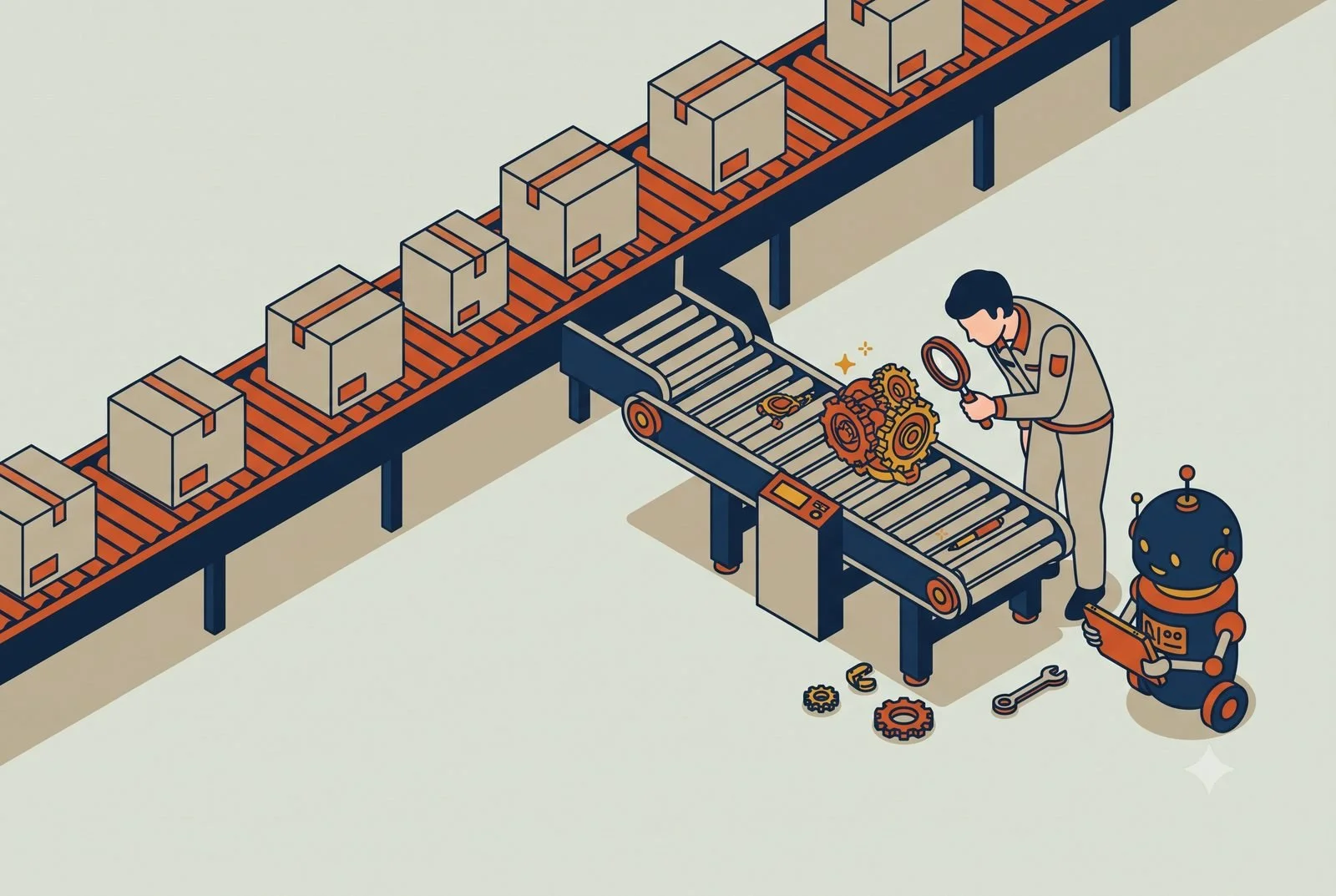
One AI can’t be good at everything. Personal, functional, and project workstations, what goes in each, and which one to build first.
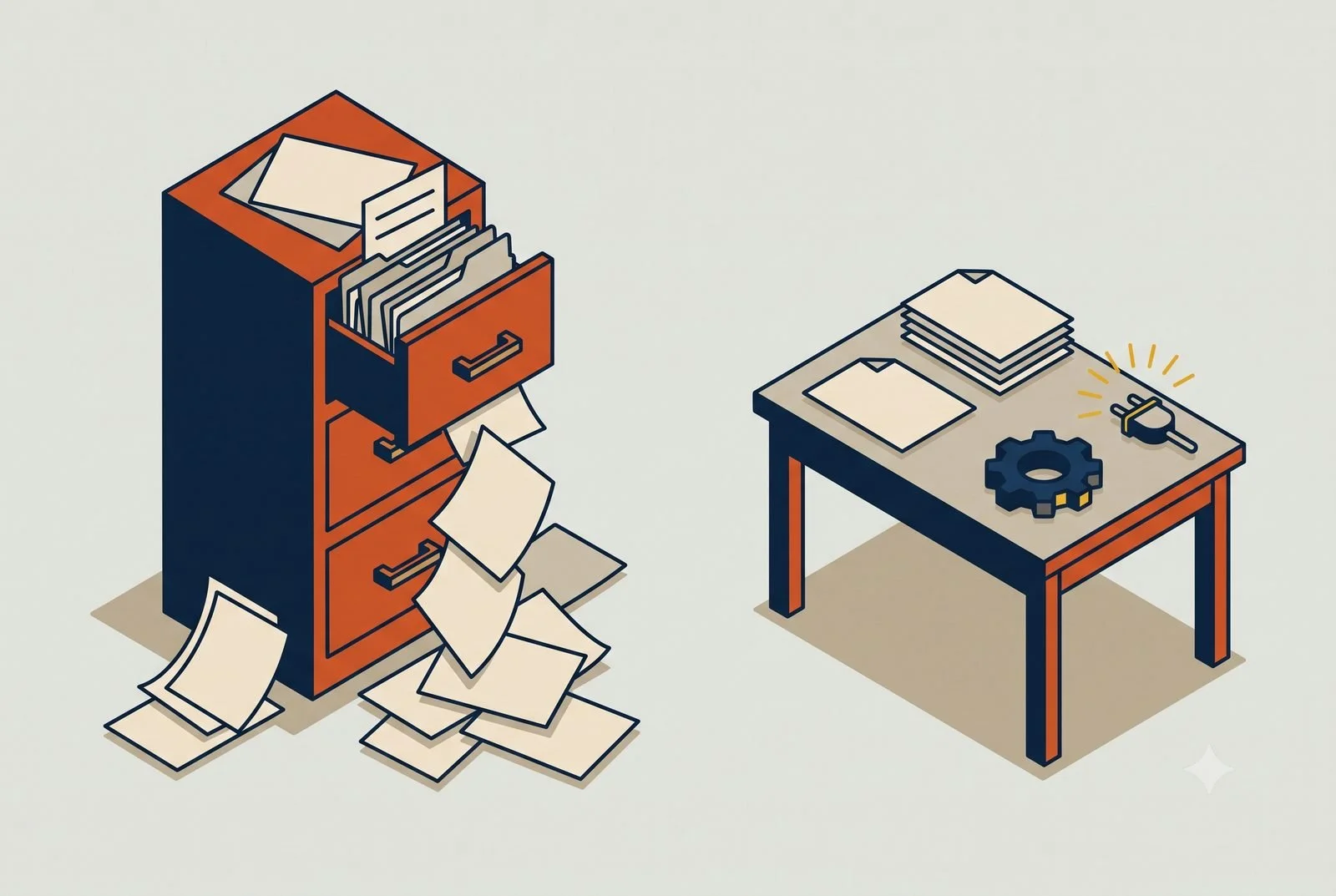
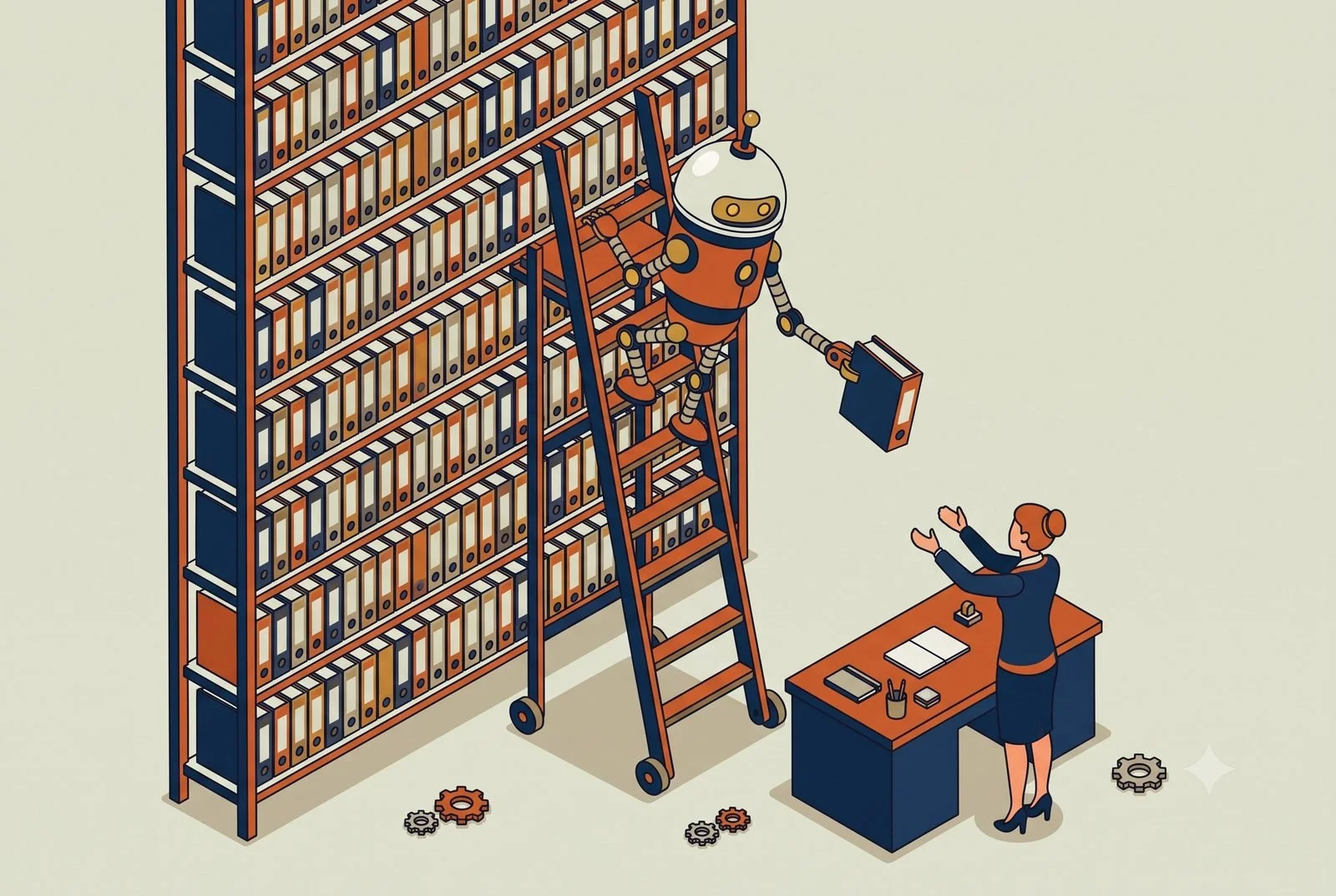
Loading 50 documents into your AI project makes it dumber, not smarter. The Minimum Viable Project: small, clean, high-signal, and connected.
One AI can’t be good at everything. Personal, functional, and project workstations, what goes in each, and which one to build first.
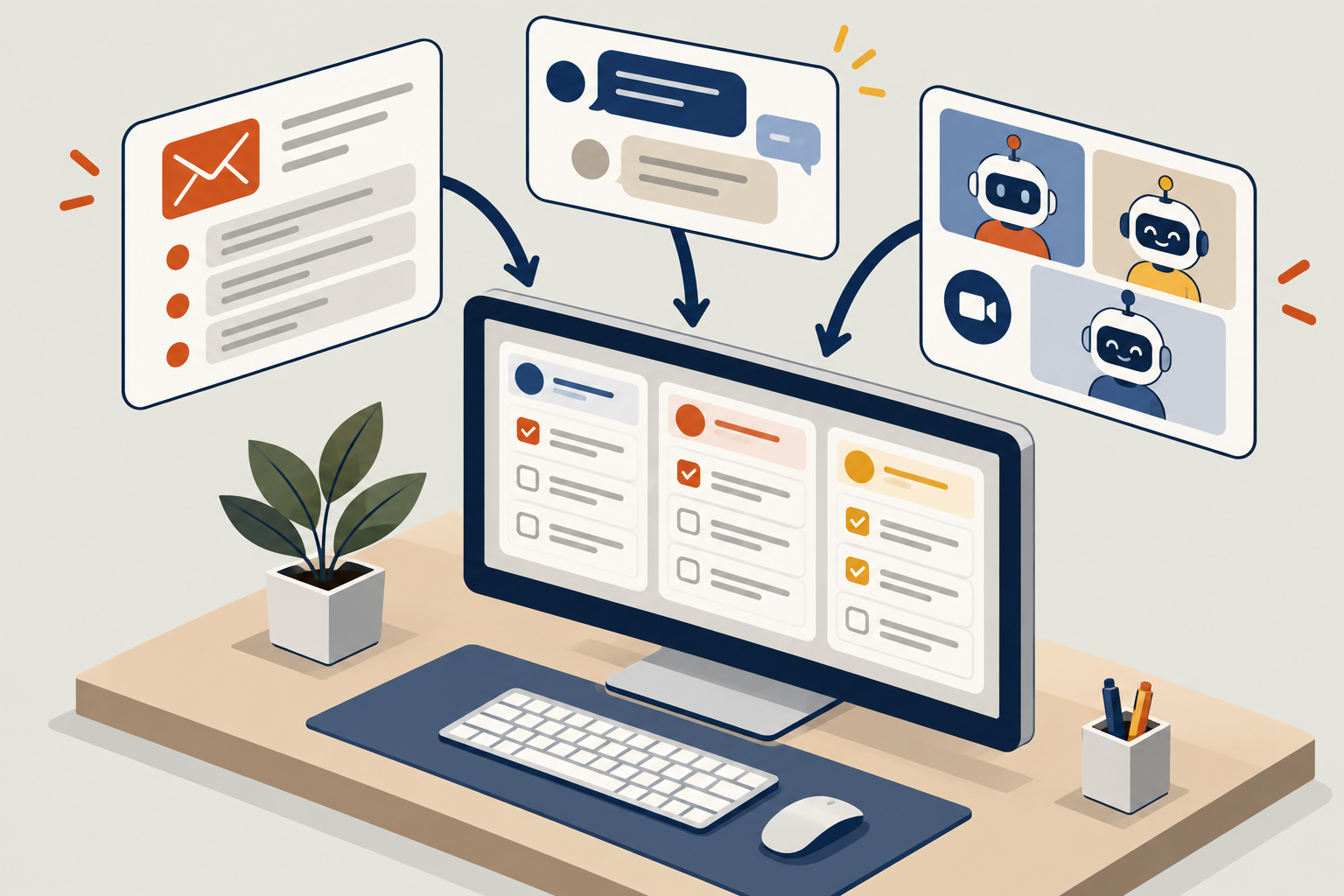
Your team shouldn’t have to hunt through ten apps every morning to find what needs attention. Here’s what one clear view looks like, and why every role’s screen should look a little different.
Capture client commitments from emails, meetings, and chats with AI. Build a daily review that sends approved tasks to ClickUp or your preferred task system.
Why your business can be invisible when customers ask ChatGPT or Google AI for a recommendation, and the signals that actually decide who gets named.
AI Search
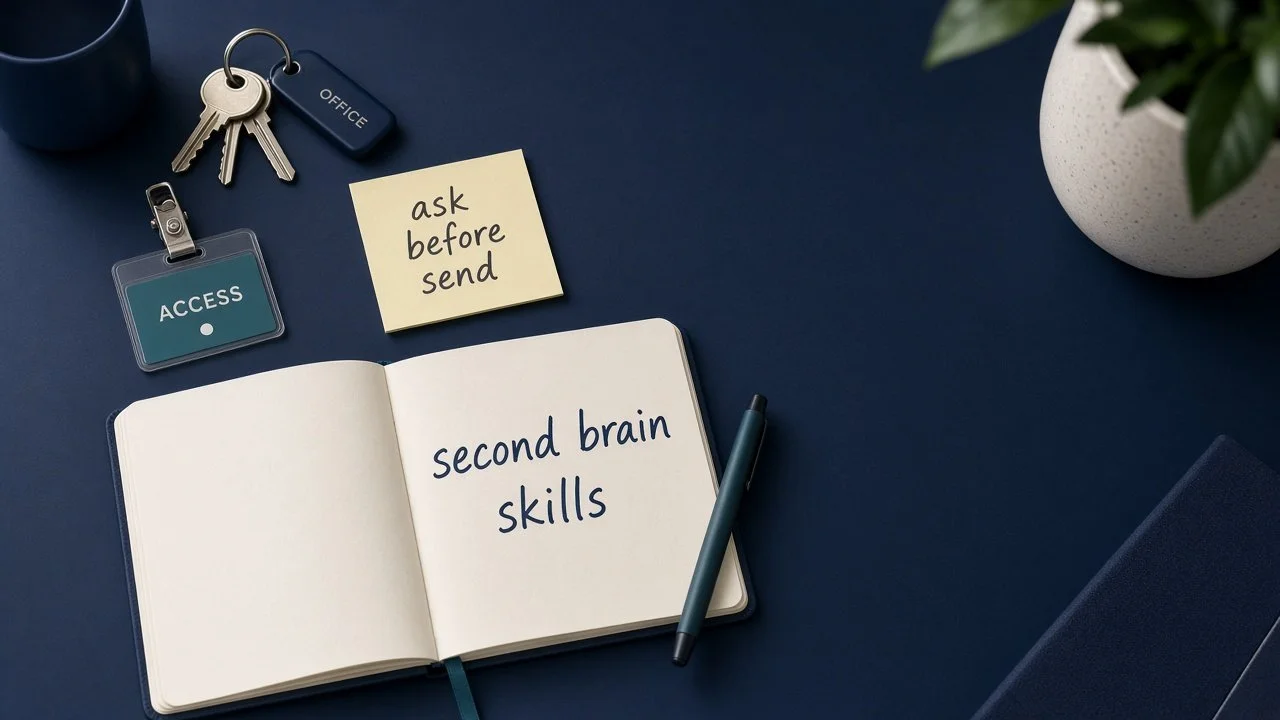
A wave of always-on AI agents just got easier to set up. For Auburn-Opelika owners, the useful question isn't which logo wins. It's whether access, guardrails, shared context, and skills are ready.
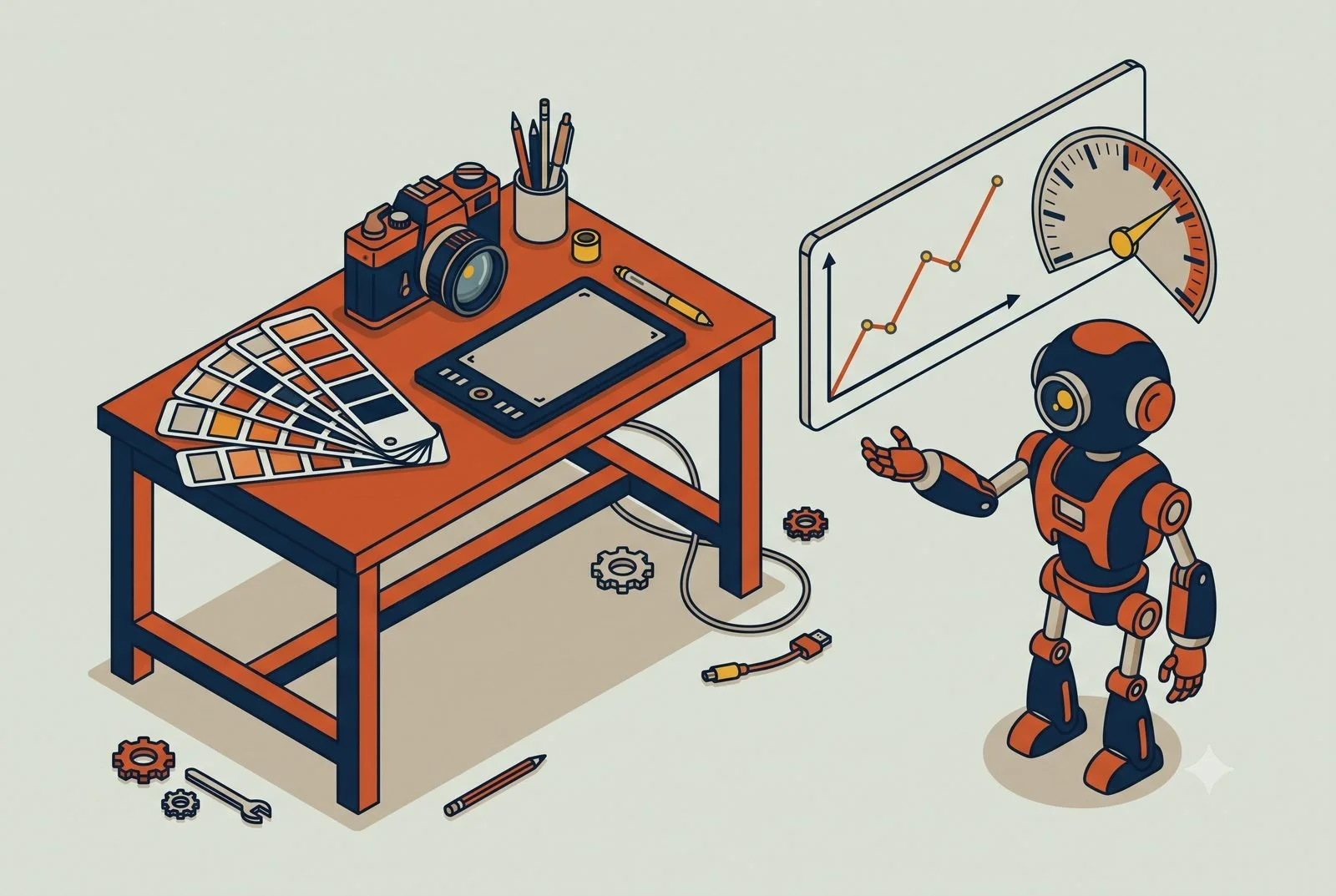
A three-person Opelika branding studio got four AI workstations in two months. The design work stayed human. Here's what we built, and where we stopped.
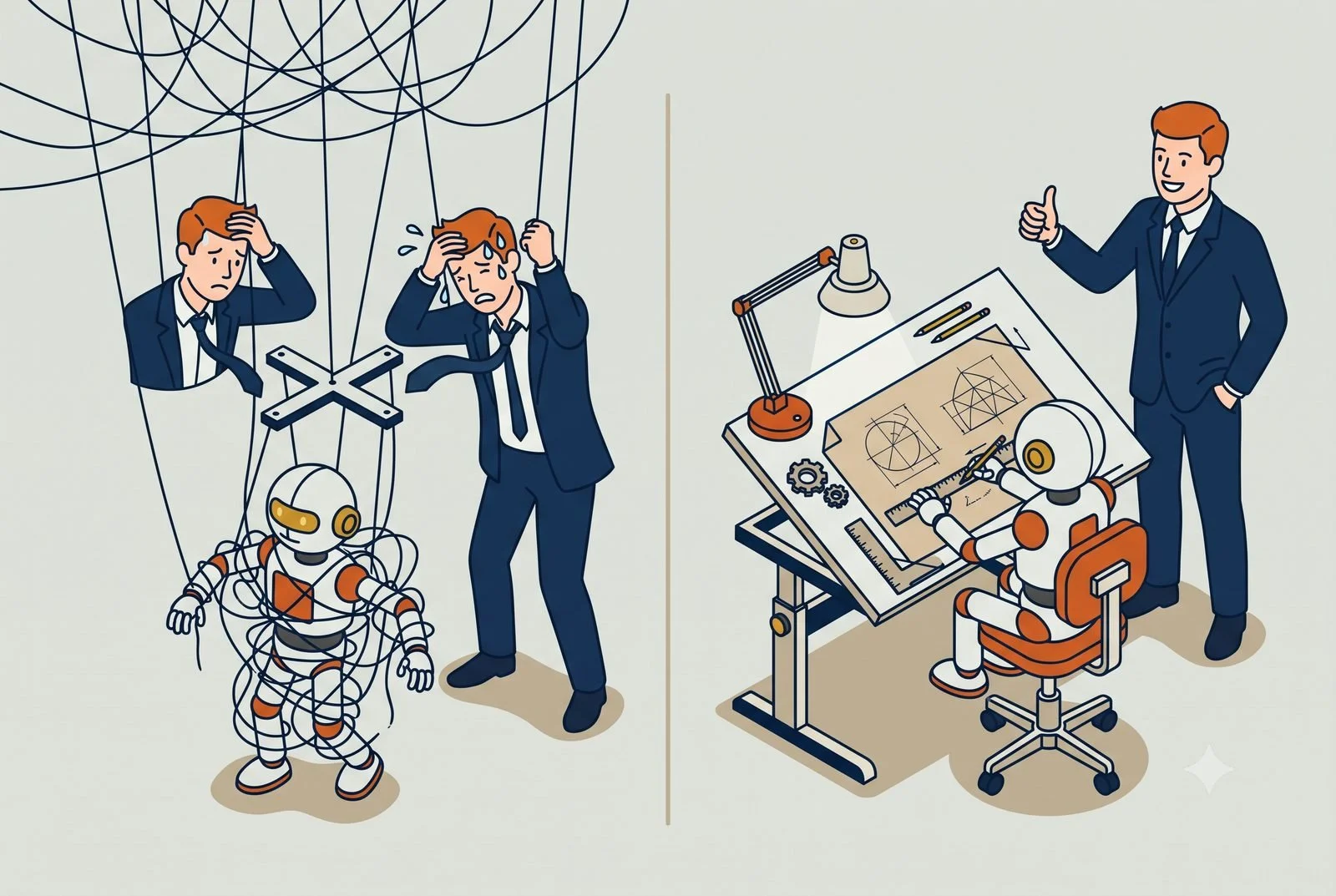
Over-scripted AI workflows break the moment reality shifts. Tell your AI what good looks like, give it guardrails, and let it work out the steps.
Strategic Use
Want help with one workstation, a few, or the whole operating system?
More Insights
Intake, conflict checks, document first drafts, and billing notes eat the week at small firms. A legal workstation drafts the grunt work so attorneys and paralegals stay on judgment and clients.
Your team shouldn’t have to hunt through ten apps every morning to find what needs attention. Here’s what one clear view looks like, and why every role’s screen should look a little different.
A wave of always-on AI agents just got easier to set up. For Auburn-Opelika owners, the useful question isn't which logo wins. It's whether access, guardrails, shared context, and skills are ready.
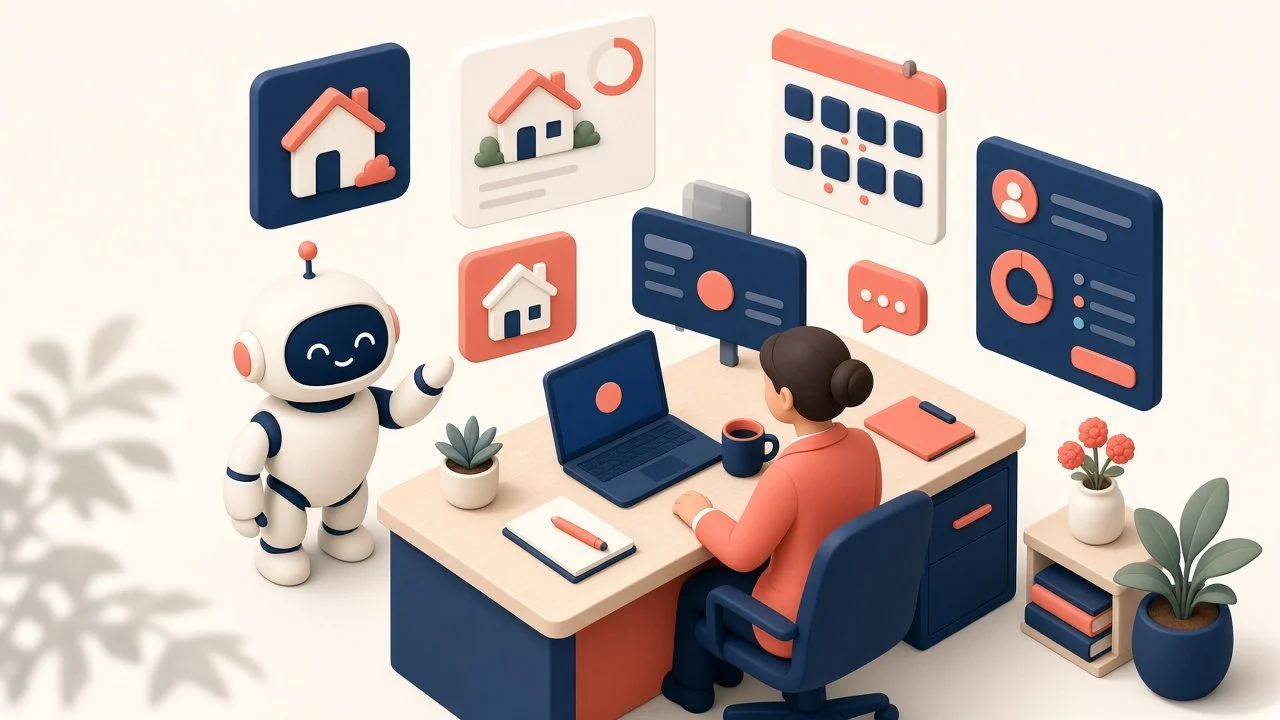
Follow-ups, listing marketing, showing logistics, and paperwork keep agents off deals. A real estate workstation drafts the admin so you can stay in the conversation that closes.
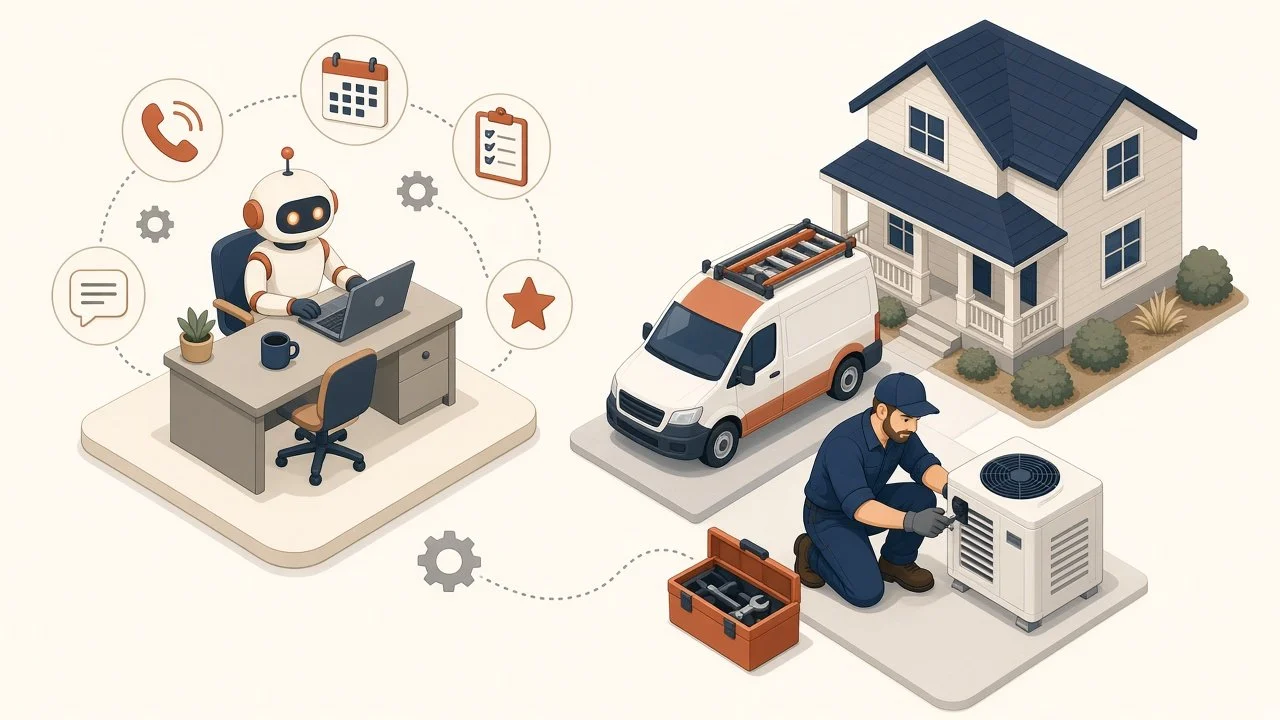
Your best tech is on a roof while the office drowns in “where’s my guy?” calls and stalled quotes. A workstation connected to the tools you already run cuts that messy middle, with a human still approving anything that hits a customer or the books.
Capture client commitments from emails, meetings, and chats with AI. Build a daily review that sends approved tasks to ClickUp or your preferred task system.
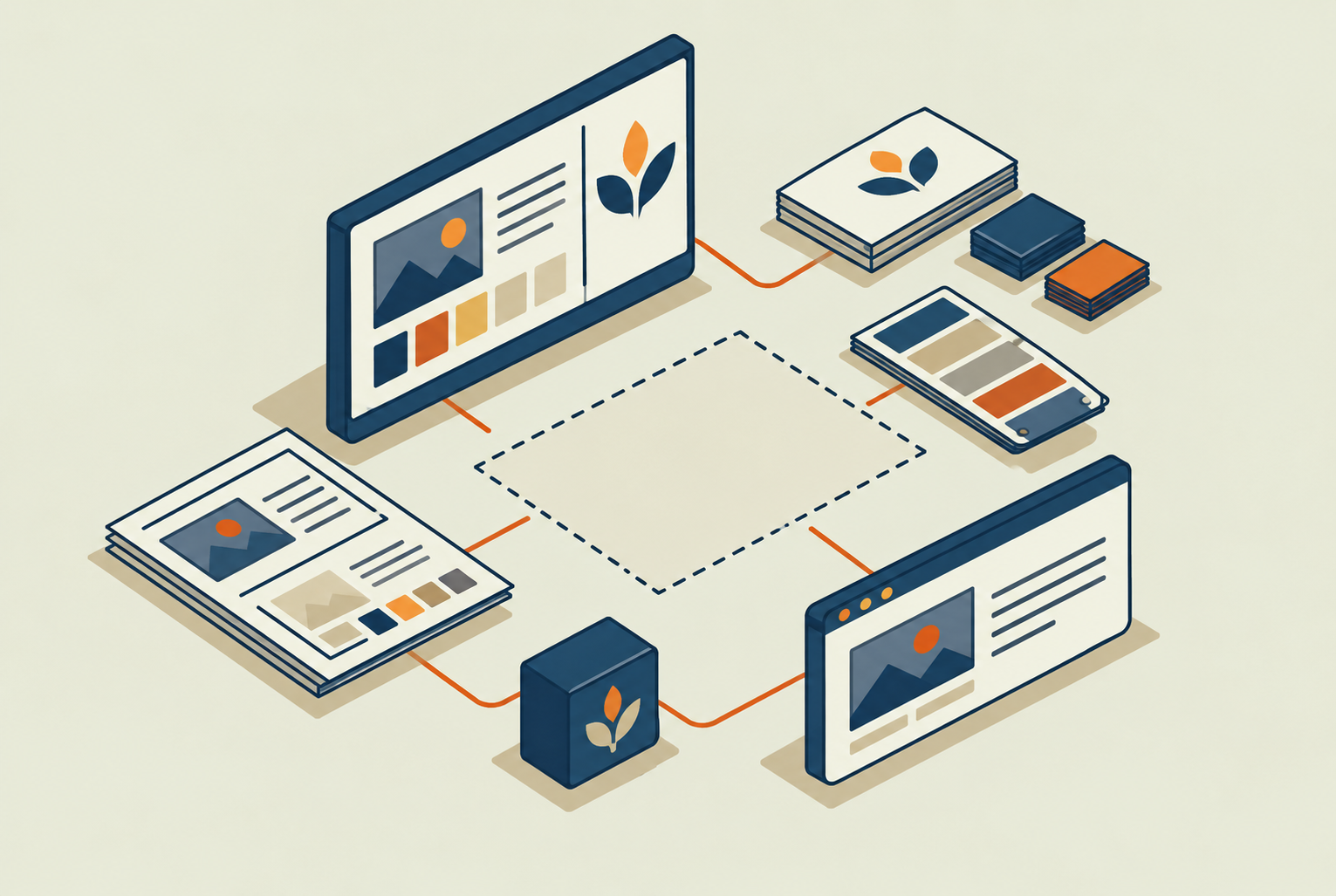
A three-person Opelika branding studio got four AI workstations in two months. The design work stayed human. Here's what we built, and where we stopped.
Why your business can be invisible when customers ask ChatGPT or Google AI for a recommendation, and the signals that actually decide who gets named.
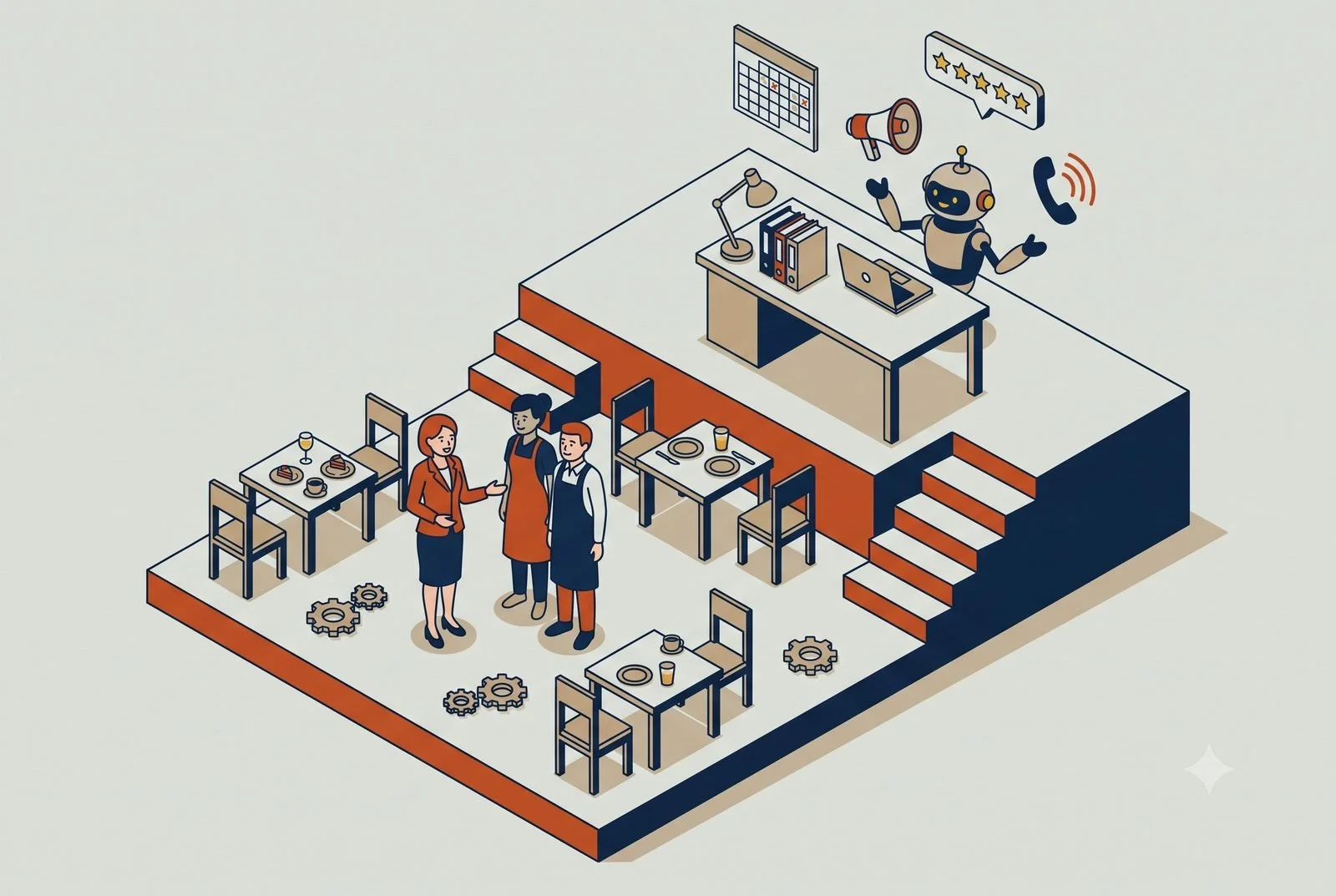
AI can run the scheduling, marketing, reviews, and phone questions that keep your managers off the floor. Here’s where it pays off first for bars and restaurants.
Over-scripted AI workflows break the moment reality shifts. Tell your AI what good looks like, give it guardrails, and let it work out the steps.
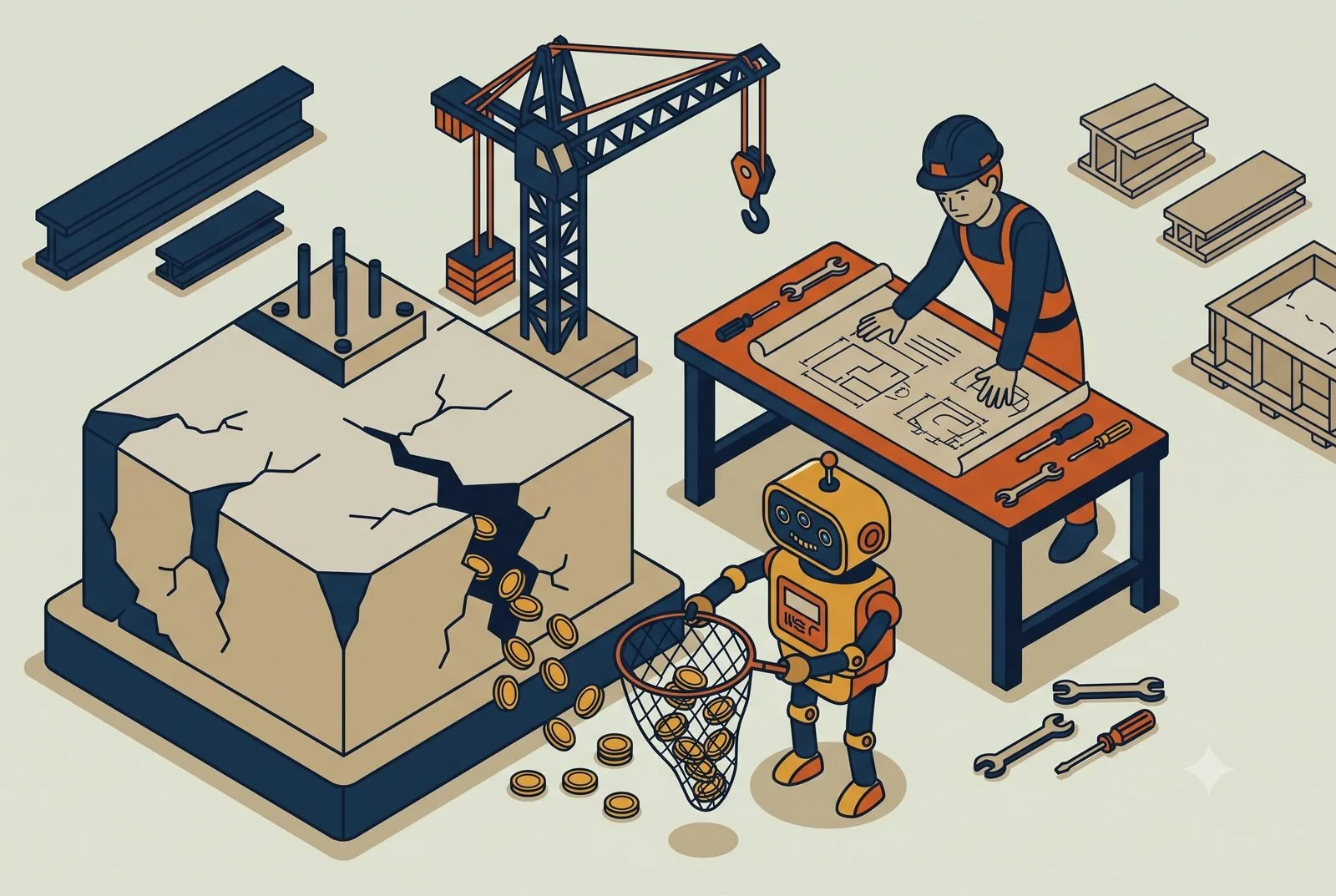
Margin rarely disappears in one chunk. It leaks between the bid, the field, and the books. Here’s how AI catches those leaks while you can still act.
You got something great out of AI, then closed the tab and lost it. Five quick questions that tell you where every useful output should live.
One AI can’t be good at everything. Personal, functional, and project workstations, what goes in each, and which one to build first.
Most agencies find out a client was unprofitable at billing, weeks too late. AI can flag margin leaks in real time and take the busywork off your account leads.
Loading 50 documents into your AI project makes it dumber, not smarter. The Minimum Viable Project: small, clean, high-signal, and connected.
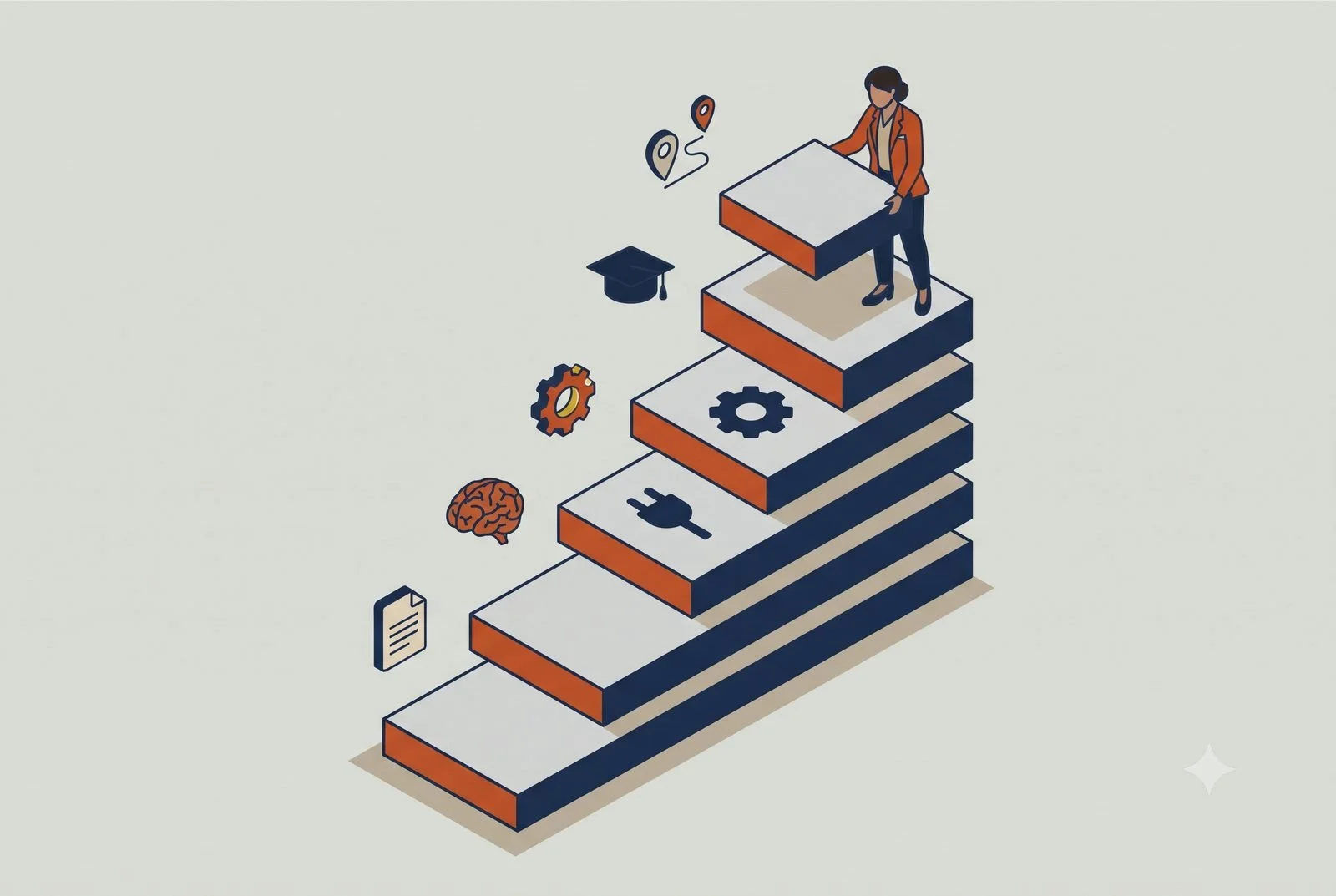
Most people who tried AI never actually set it up. Instructions, memory, connectors, skills, training, and a plan: what each layer does and where to start.
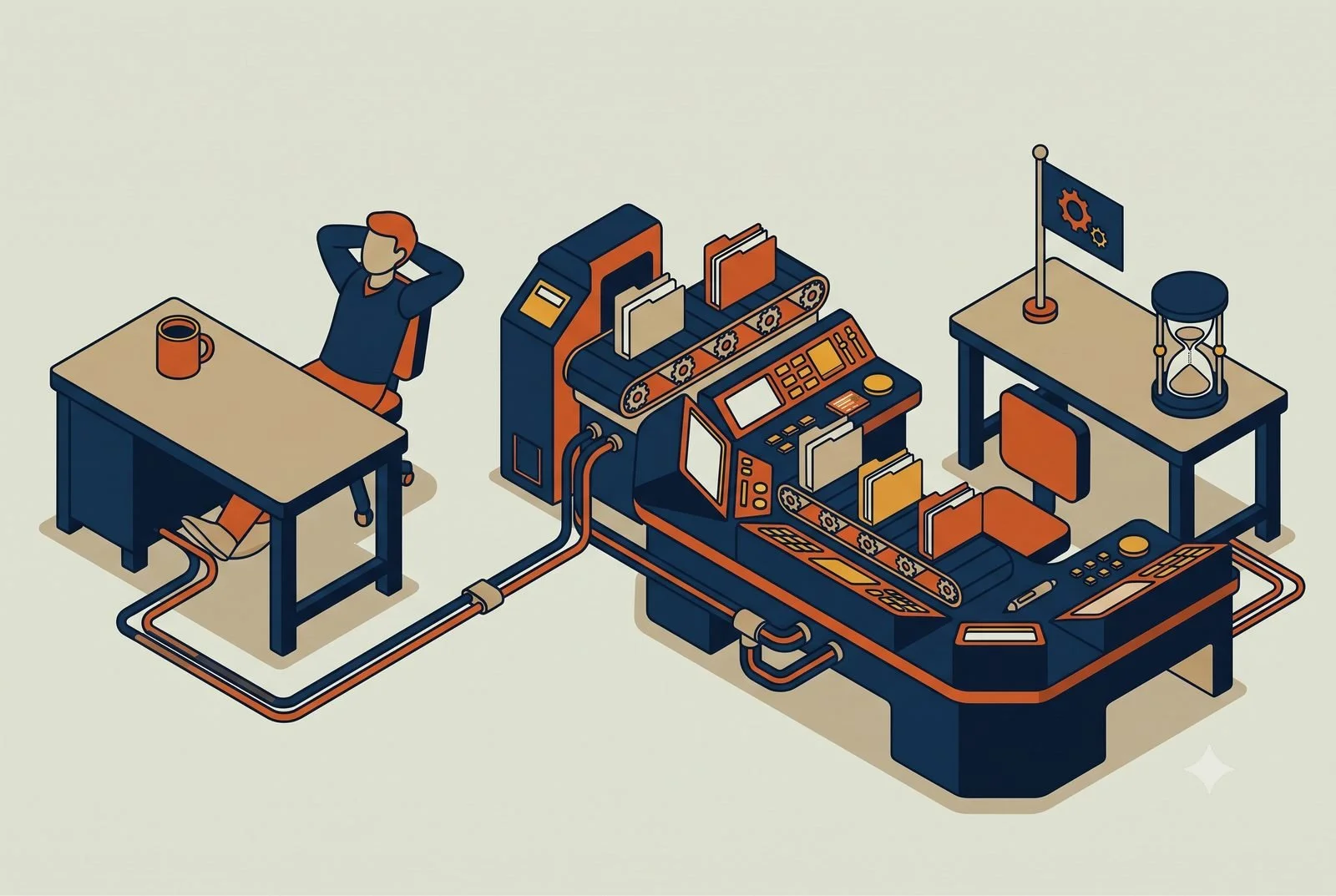
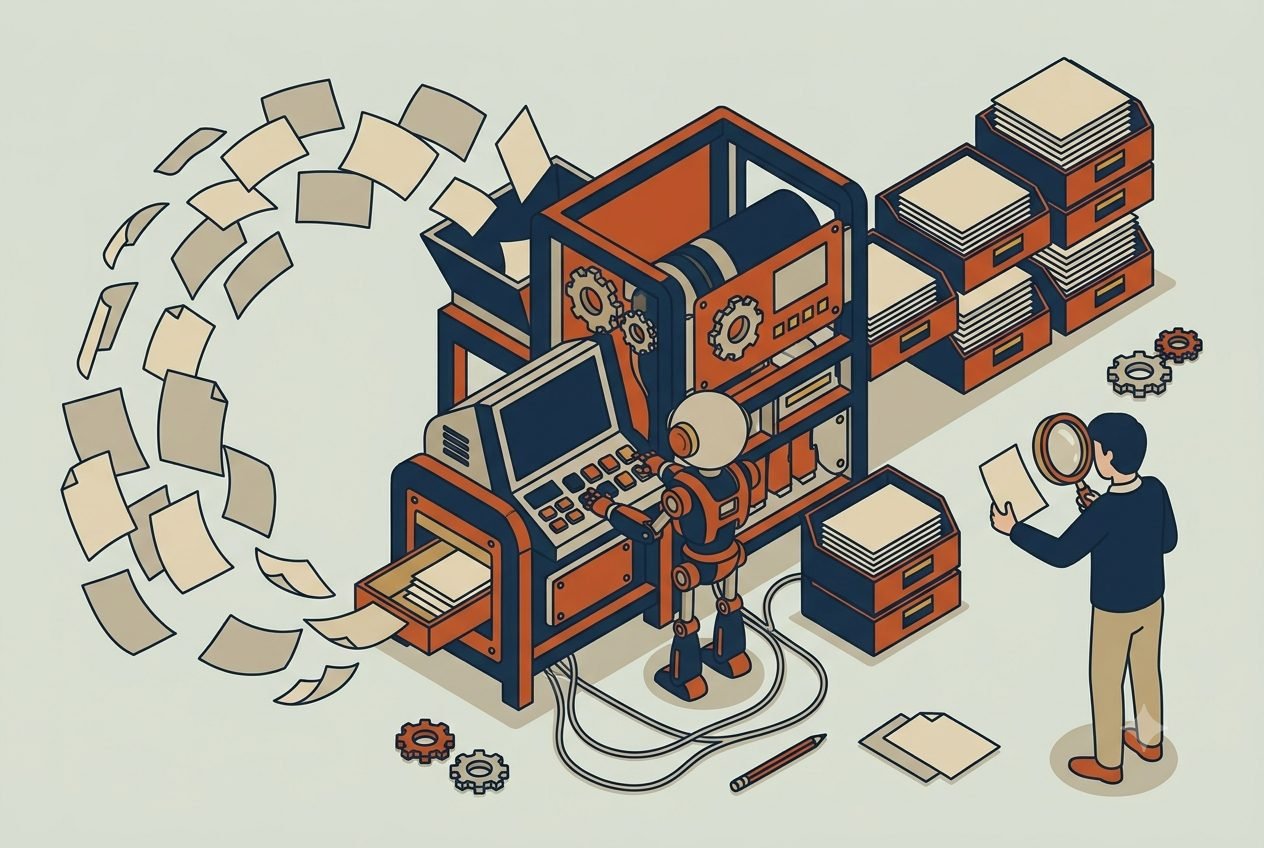
Your capacity isn’t capped by how fast your people think. It’s capped by grunt work. Where AI pays off first for accounting and bookkeeping firms.
Your team is already using AI on personal logins the company can’t see or control. Shadow AI is the first thing to fix, then decide what gets shared.
AI can take intake, confirmations, insurance checks, and recalls off your front desk. The medicine stays with your licensed people, and HIPAA comes first.
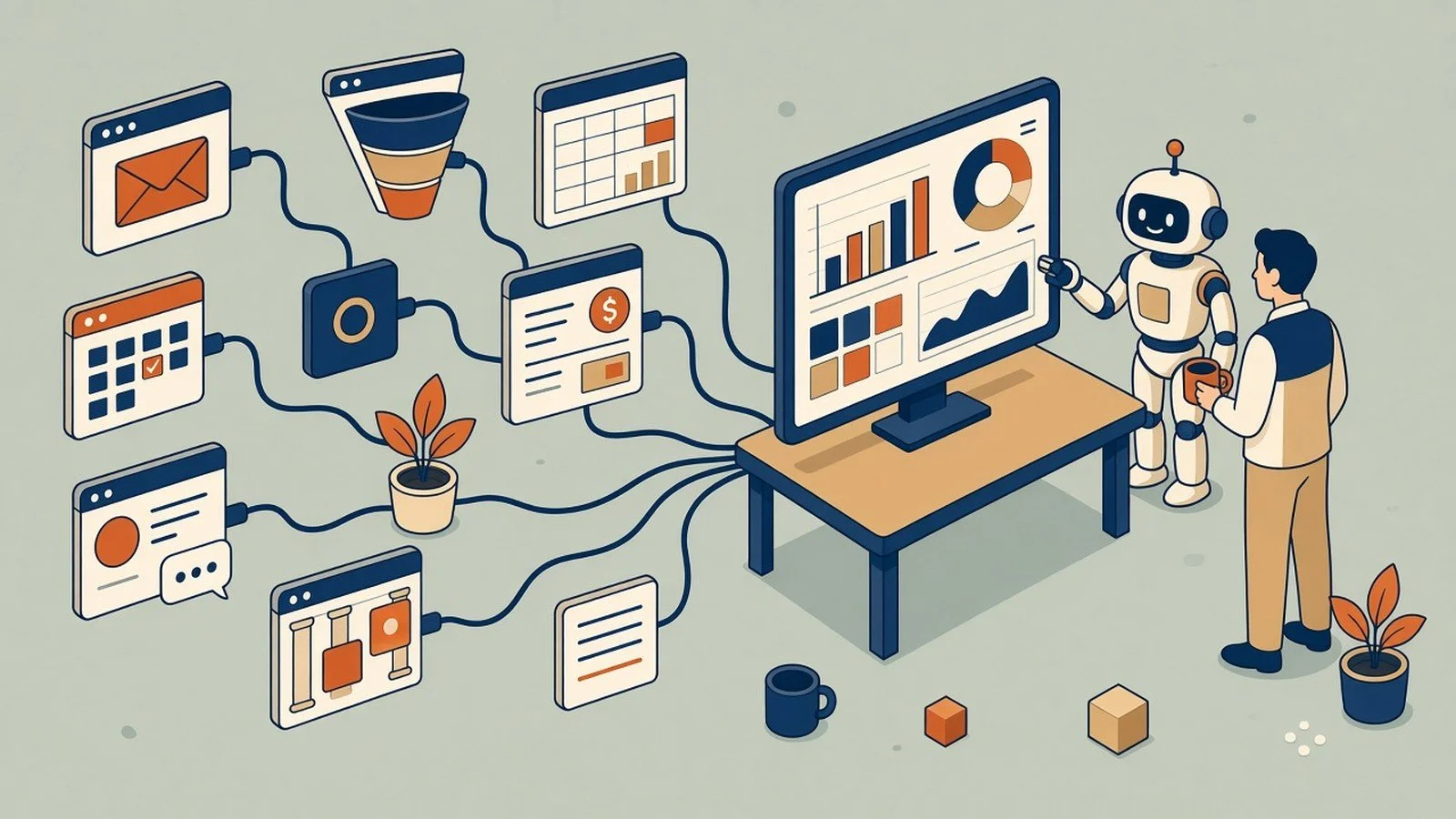
Your AI has been working blind. Connect it to the apps you already pay for and it goes from clever writer to something that does real work.
You switched on the AI buttons in your apps and it’s been fine, not transformative. The real win is connecting your tools so AI works across them.
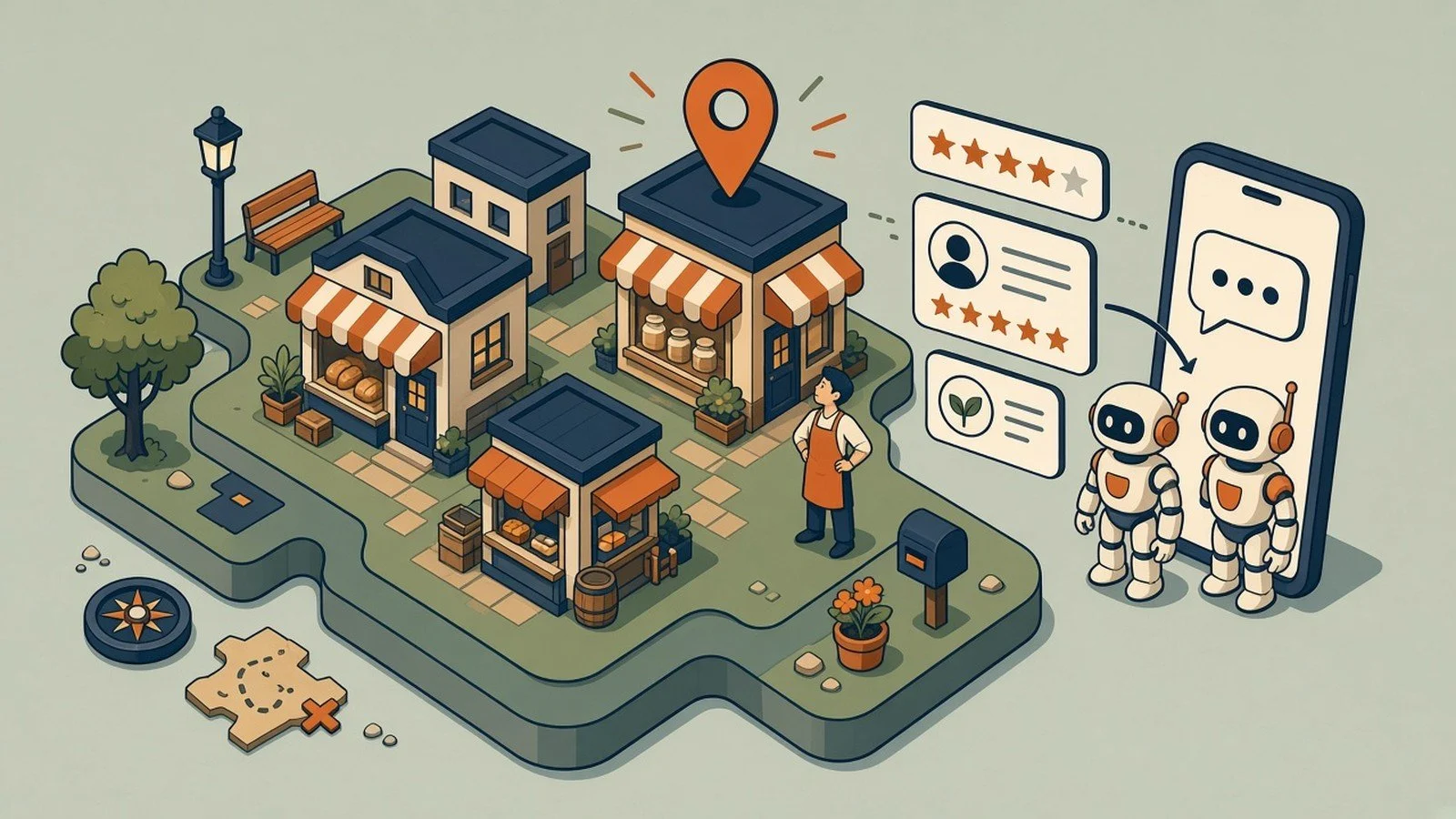
Your new customers meet you on a screen before they pass the window. One AI assistant that knows your inventory, customers, and socials changes that math.
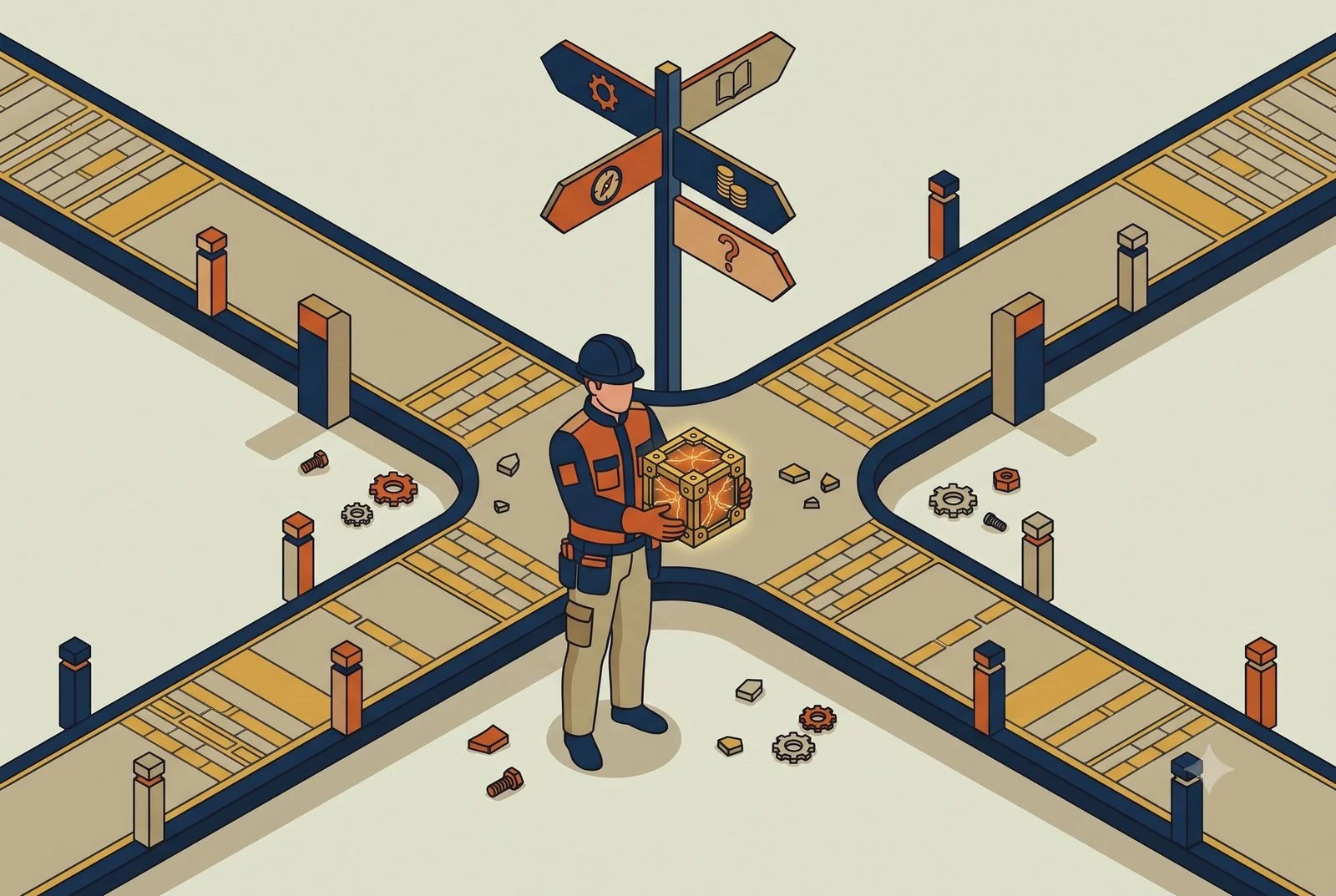
Deciding to use AI isn’t a decision to automate everything. The order that works: assist first, augment next, automate what’s earned trust.
A few senior people are your firm’s answer key, and that caps your growth. AI takes the routine draws off their plates so you scale without hiring.