
AI for Small Law Firms: Free Your Paralegal From the Grunt Work First

Your paralegal did not go to school to copy-paste intake notes into Clio, chase conflict checks across three spreadsheets, and draft the same client update for the fifth time this month. Your associates did not either. Yet that is where the week goes at a lot of solo and small firms, roughly 2 to 20 attorneys, especially across the Southeast where the caseload is real and the headcount is not.
The work that actually needs a lawyer, strategy, advice, courtroom judgment, keeps getting pushed because the grunt work never stops. Clients wait. Billing slips. Someone stays late to catch up on notes that should have taken ten minutes.
AI helps when it takes the first pass on intake, conflicts, drafts, billing notes, and updates, and leaves the legal calls with you. Here's where that looks practical for a small firm, not a BigLaw innovation lab.
TL;DR: A legal workstation is one AI on a business account, connected to your practice management, email, and document tools. It drafts intake summaries, conflict check starting points, document first passes, billing notes, and client updates for attorney review. Judgment and advice stay human. Personal ChatGPT is not the plan.
Intake: voice memos and forms turned into structured matter notes that are then associated with your client.
Conflict checks: first-pass scans across clients, matters, and related parties.
Document drafts: engagement letters, demand letters, and routine motions as starting points.
Billing notes: narratives drafted from calendar and activity, not memory at 7pm.
Client updates: status emails that sound like your firm, ready for a quick edit.
First, what we mean by a workstation
A workstation is a single AI, Claude or ChatGPT on a company-owned business account, connected to the systems you already run and taught how your firm works. It pulls from those tools and does real work across them. Attorneys approve. You automate only what has earned trust.
For a small firm, that usually means connecting Clio or PracticePanther, Outlook or Gmail, your document library, and maybe your phone system's call notes. Because it remembers your templates, your practice areas, and how you write for clients, it gets sharper over time instead of starting cold on every matter.
This is the difference between an assistant that forgets your firm every morning and one that knows your estate planning packet looks different from your PI demand letter.
Intake that does not eat the morning
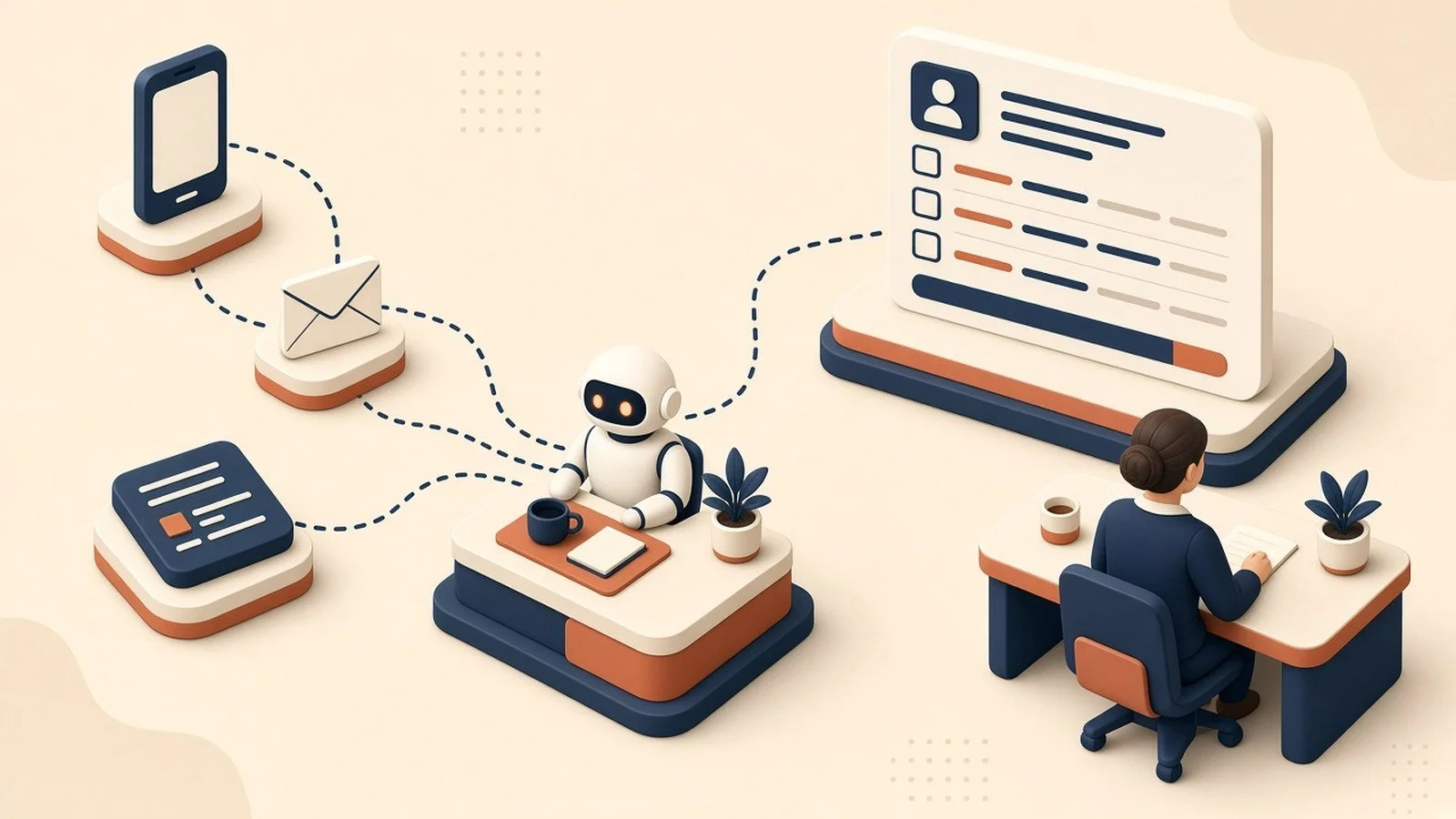
New matters arrive as web forms, voicemails, emails, and "quick calls" that somehow last twenty minutes. Someone has to turn that mess into a clean matter record before the attorney can decide if it's even a fit.
A workstation can take the form, the transcript, or a short voice memo and draft a structured intake: parties, dates, issue summary, urgency, and open questions. Your paralegal reviews and corrects. The attorney sees a usable picture instead of a raw inbox dump.
You still decide whether to take the matter. The AI just stops intake from being a full-time job before 10am.
Conflict checks that start somewhere better than memory
Conflict checks are high stakes and easy to rush when the phone is ringing. Names get misspelled. Related companies hide under DBAs. The "I think we're fine" answer is how firms get into trouble.
Tied into your practice management system, a workstation can run a first-pass scan across clients, adverse parties, and related entities, then flag possible hits for a human to resolve. It does not clear the conflict. It makes sure the check actually happened against your records, not against whoever remembered the last similar case.
That is grunt work with real risk attached. Automating the first pass is not laziness. It is how a small firm stays careful without hiring another full-time checker.
Document first drafts, not document final drafts
Engagement letters, demand letters, discovery requests, routine motions. Your firm already has templates. The slow part is filling them with this matter's facts and cleaning up the last associate's version from 2022.
A workstation that can see the intake summary, the matter notes, and your approved templates can produce a first draft for attorney edit. Not a filing-ready pleading. A starting point that respects your clause library and your voice. If you would not put an unsupervised junior's draft on letterhead, do not put an unsupervised AI draft on letterhead either. Review is the product.

Billing notes before the week evaporates
You know the Friday scramble. Six matters, fuzzy memories, narratives that sound like "attention to file" because nobody wrote down what actually happened on Tuesday.
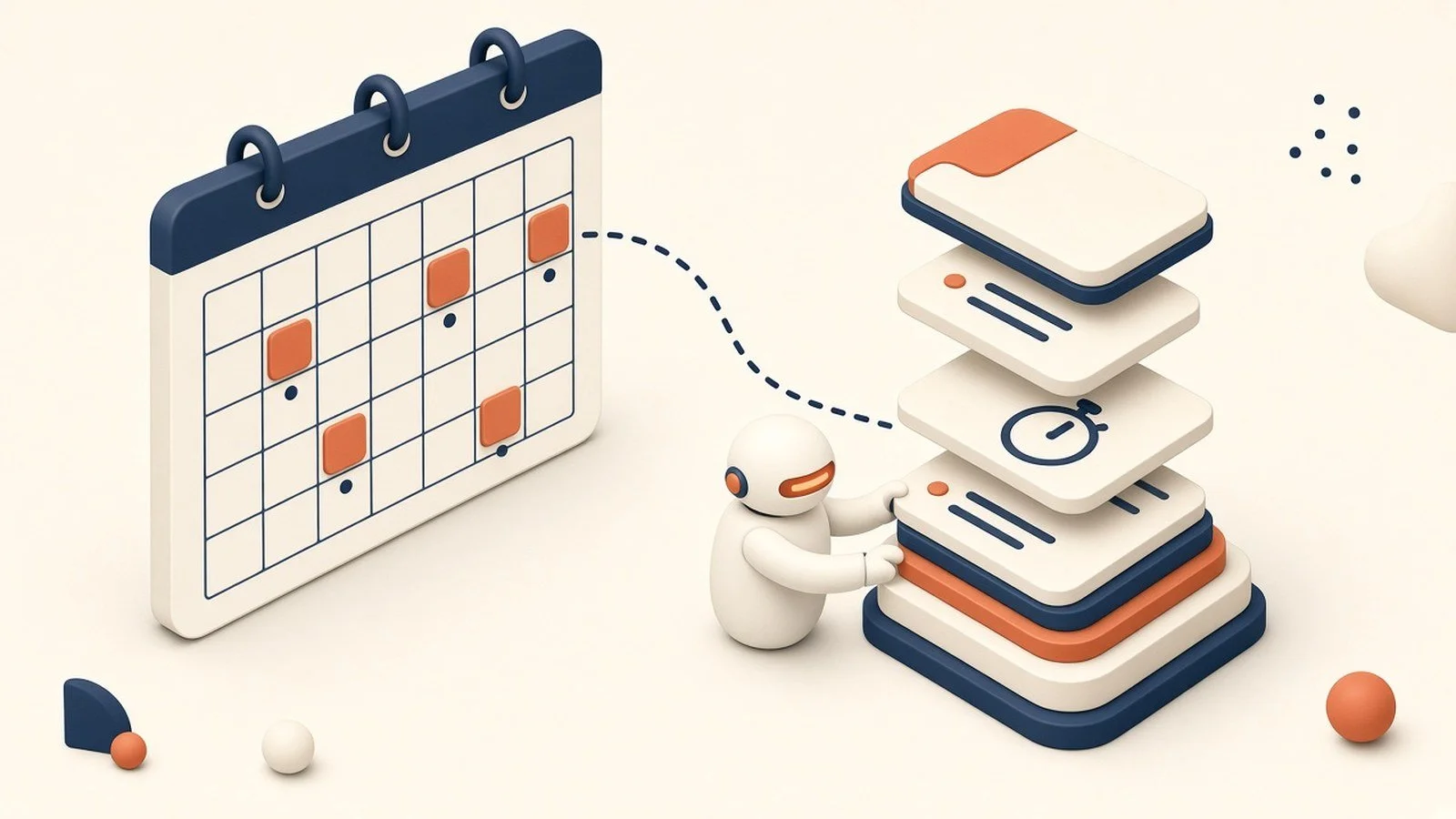
Connect a workstation to calendar blocks, email activity, and short end-of-day bullets, and it can draft time narratives your attorneys edit before they post in Clio or PracticePanther. Better notes mean cleaner invoices and fewer write-downs when a client asks what they paid for.
This is not about padding hours. It is about capturing work you already did, in language a client can understand.
Client updates that do not sit in drafts for a week
Clients hate silence more than they hate bad news. Most small firms know this and still fall behind on updates because writing "here's where your matter stands" for the twelfth open file feels endless.
A workstation can draft a status note from the recent activity on the matter: what moved, what's waiting, what you need from the client. You cut anything that should not be said yet, add judgment, and send. The relationship stays yours. The blank page does not.
Your practice software's built-in AI usually isn't enough
Clio, PracticePanther, and Microsoft Copilot in Outlook keep shipping AI features. Turn on the ones that help. A drafted email inside Outlook beats starting from zero. A Clio summary beats rereading the whole matter history when you have four minutes.
Notice where they stop: at the edge of their own product. Clio's AI does not see the thread in Gmail where the client changed the settlement number. Outlook does not know your conflict database. Your document tool does not draft the billing narrative from yesterday's hearing notes sitting in a different app.
That gap, between practice management, email, documents, and time entry, is where small firms leak hours. A workstation sits across those tools so the cross-system grunt work finally has a home. It does not replace Clio or PracticePanther. It connects what they never see together.
Where it really clicks: one workstation across the matter
Each piece helps alone. It compounds when the same workstation sees intake, conflicts, drafts, billing, and updates on the same matter.
Monday morning, it can hand the firm a short read: new intakes waiting on review, conflict flags to clear, drafts ready for attorney eyes, matters quiet too long, time entries still missing narratives. That is the difference between a pile of legal software and a setup that runs as one thing, with lawyers approving instead of chasing every admin thread by hand.
A quick word on confidentiality and accounts
Client confidences are not optional, and "I pasted it into my personal ChatGPT" is not a policy. Use business AI accounts your firm owns and controls, with clear rules on what may be pasted, what must be redacted, and who approves outbound drafts. Do not put privileged material into consumer tools. Do not share logins. Do not let summer clerks invent their own shadow stack on free accounts.
Set that foundation before you connect Clio, Outlook, or any matter files. (We cover the why in our piece on team AI environments.) If your ethics counsel or malpractice carrier has guidance on AI use, follow it. We are not your bar counsel. We are the people who help you stand up the practical side without being careless.
Where to start
Start with the grunt work that burns the most paralegal hours. For most small firms that is intake summaries or billing narratives. Connect a workstation to Clio or PracticePanther and email, pick one practice area, and run it on a handful of live matters with attorney review on every output.
The how is simple to describe and a little more work to do well. You pick a business AI account, connect practice management and email, load your templates and rules, and keep humans in the loop on anything client-facing. Some firms have an ops-minded partner or office manager who can own that. Plenty don't, and it's a fair question: are you in the practice of law, or the AI and IT business? Standing this up so it works matter after matter is the part we do.
Whether that's a single workstation or a handful across the firm, we're here for as much or as little as you need.
Does this replace my paralegal?
No. It takes the first-draft load off intake, routine documents, billing notes, and updates so your paralegal spends time on exceptions, filings, and clients. Legal judgment and advice stay with licensed attorneys.
Is it safe to use ChatGPT with client information?
Not on a personal or consumer account. Use a business AI account the firm owns, with clear confidentiality rules, redaction habits, and attorney review before anything goes out. When in doubt, ask your ethics counsel.
Where should a solo or small firm start?
Billing narratives or intake summaries. Both are high volume, low glory, and easy to review. The setup behind a full workstation is in The Six Layers of an AI Setup That Actually Works.
This is part of the Practical AI Toolkit series. Hub: Cornerstone 2: The AI Workstation Playbook.
Practical AI. No hype. Just ROI.