
AI for Home Services: Get Your Techs Off the Phone and Back on Jobs
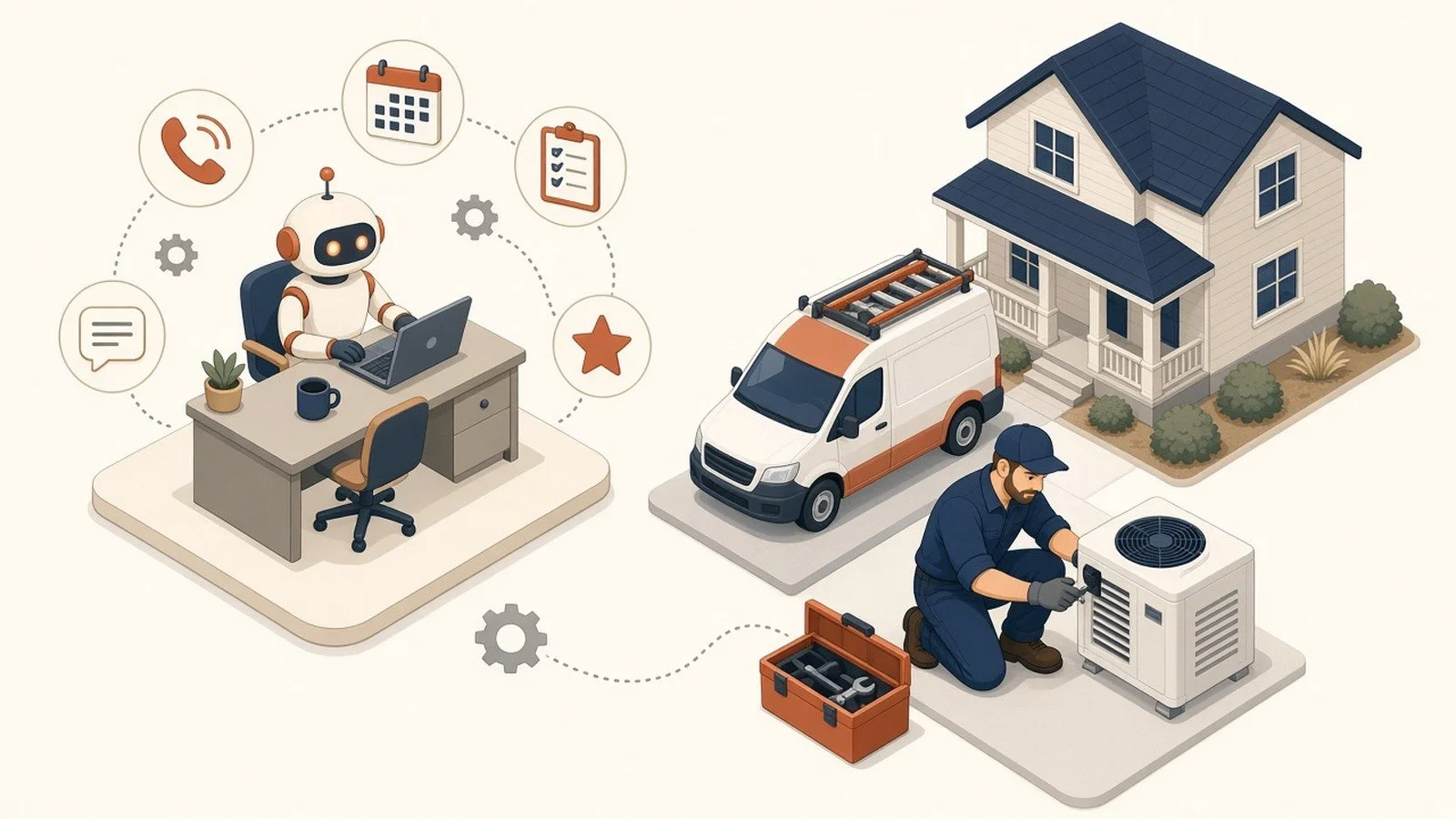
Your best tech is on a roof finishing a changeout. The office phone is ringing with a "is my guy still coming?" call, a same-day estimate request, and a parts question only that tech can answer. Someone has to choose: pull him off the job, or let the lead cool while you dig through texts and the dispatch board.
That choice is the real cost of running a home services company. Not the truck. Not the inventory. The hours trapped between the call, the schedule, the estimate, and the review you meant to ask for.
Most shops I talk to aren't anti-AI. They're tired of being sold a future that doesn't clear the morning board. AI helps when it's aimed at the messy middle: intake, dispatch glue, estimates, and follow-up, not when it's a chatbot stuck on your homepage that nobody trusts. Here's where it pays off first for HVAC, plumbing, electrical, landscaping, and other field service shops.
TL;DR: A home-services workstation is one AI connected to the tools you already run, such as your dispatch platform, CRM, email, calendar, reviews, and QuickBooks. It's taught how your shop quotes, schedules, and talks to customers. A person stays in the loop on anything that hits a customer or the books.
Intake and routing: Every inbound lead gets scored and pointed to the right person instead of buried in a shared inbox.
Estimates and follow-up: Draft polished quotes from tech notes and chase stalled proposals before they go cold.
Office load: Handle FAQs, appointment confirmations, and "where's my tech?" questions without pulling someone out of the field.
Reviews: Ask at the right time instead of depending on memory.
Built-in AI isn't enough: ServiceTitan, Jobber, and Housecall Pro AI mostly stop at their own walls. The leaks live between the phone, the field, and the books.
First, what we mean by a workstation
A workstation is a workspace that already knows your business. The person using it stops re-explaining the company every time they open it. In practice, that's one AI, such as Claude, ChatGPT, Gemini, or Copilot, connected to the systems you already pay for and loaded with how your shop actually works: service area, flat-rate or time-and-materials rules, brand voice, common objections, and warranty language.
It doesn't replace your dispatcher or CSR. It sits next to them so the repetitive layer, drafting, summarizing, looking things up, and starting the next step, stops eating the day. Your people approve what goes out. You automate only what's earned trust.
For a home services shop, that usually means email and calendar, your field platform, cloud storage for manuals and price books, and accounting when you're ready. Cross-system is the point. A clever draft that can't see today's board or yesterday's invoice is still just a clever draft.
Intake that doesn't die in the inbox
Most shops don't lose jobs because they can't do the work. They lose them because a lead sat while everyone was in the field.
A workstation reading web forms, voicemail transcripts, and email can draft the first reply in your voice, tag urgency (emergency, quote, or warranty), and route it to the right tech or CSR before the day gets away from you. The human still sends it. You're not starting from a blank screen every time the phone dumps another message on the pile.
If your CRM or field platform already does lead routing well, turn that on first. If a $30/month setting fixes it, don't hire anyone to rebuild it. We sell custom builds and still say that out loud, because a shop that buys the wrong build doesn't renew. The AI earns its keep on the messy cases the rules miss: the long email that isn't a clean form, the text that mixes several jobs, or the commercial property that shouldn't hit the residential queue.

Estimates from tech notes, not from memory
Your tech knows the job. Your office knows the price book. The gap between "here's what I saw" and "here's a clean proposal the homeowner can say yes to" is where evenings disappear.
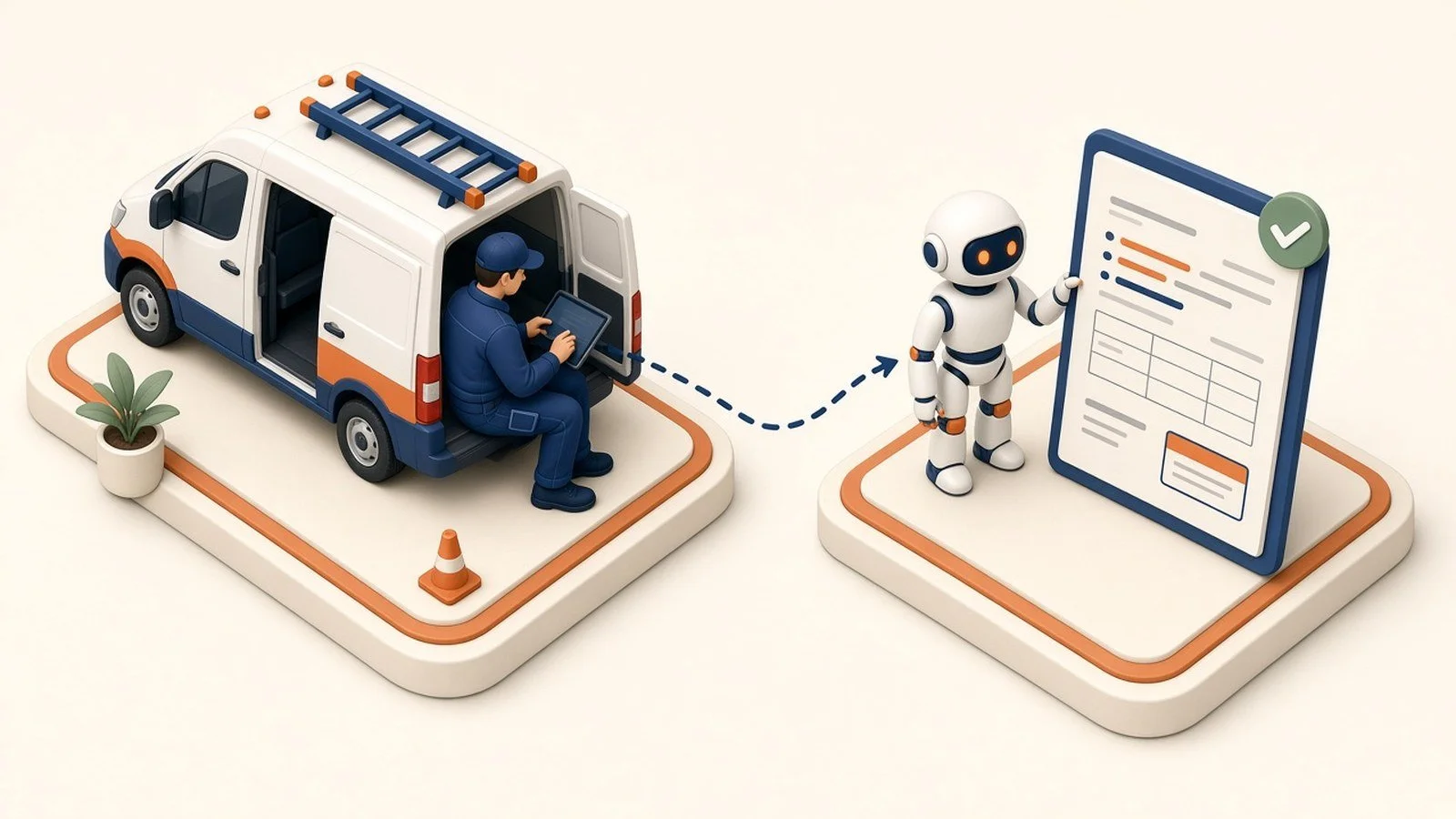
Point a workstation at your price book, past winning quotes, and a short set of rules, including what's included, what's not, and how you talk about upsells. The tech drops rough notes or a voice memo. The AI drafts the estimate. Someone who owns margin reviews and sends it.
You're not asking AI to invent prices. You're asking it to stop making a senior person retype the same paragraphs over and over. Capturing even some of the quotes that currently stall or never go out shows up in the close rate faster than another truck.
Get the office off the phone for repeat questions
"What time is my appointment?" "Do you service my zip?" "Can I reschedule?" "Is financing available?" Those questions are real. They also don't need your best CSR's full attention every time.
A workstation tied to your schedule and FAQ content can draft confirmations, answer the repeats, and escalate the weird ones. The repair stays with licensed people. The tedious layer doesn't have to.
After-hours is where this helps most. Leaks, no-heat calls, and "can you come Saturday?" don't wait for 8 a.m. A setup that drafts or answers the safe stuff overnight and wakes a human for true emergencies buys back the morning. Draw that line in writing on day one: what auto-sends, what waits for a person, and what never leaves the queue without a licensed tech.
Follow-up and reviews that actually happen
The job went well. Nobody asked for the review. The estimate went out Tuesday. Nobody chased it Thursday. That's not a discipline problem. It's a capacity problem.
AI is good at boring persistence: draft the review request when the job closes green, nudge the estimate that hasn't been opened, and remind the CSR which stalled quotes are still warm. Your team decides tone and timing. The system makes sure "we'll circle back" isn't a wish.
Local reputation is also how AI search decides who to name when a homeowner asks ChatGPT for an HVAC company nearby. Reviews, consistent NAP, and pages that answer real buyer questions aren't vanity. They're the signals engines cite. Deeper on that in How AI Decides Which Local Businesses to Recommend.
Your software's built-in AI helps. It isn't the whole job.
ServiceTitan, Jobber, Housecall Pro, and the rest are shipping real AI features. Use them.
Notice the edge: each tool's AI mostly knows what's inside that tool. It doesn't sit across the text thread on someone's personal phone, the shared Gmail nobody owns, the QuickBooks invoice that never got created for the add-on, and the Facebook message that should have been a booked job. That gap, between marketing, dispatch, field, and books, is where money and sanity leak.
A workstation spans them. It doesn't rip out your stack. It makes the stack answer questions that live in more than one login. Same reason Procore-only AI isn't enough for construction margin: the leak is between systems. (Stop Buying New Software. Point AI at the Apps You Already Pay For.)
Where it clicks: one picture of the day
Each piece helps alone. It compounds when the same workstation can see today's board, open estimates, and what's waiting in the inbox.
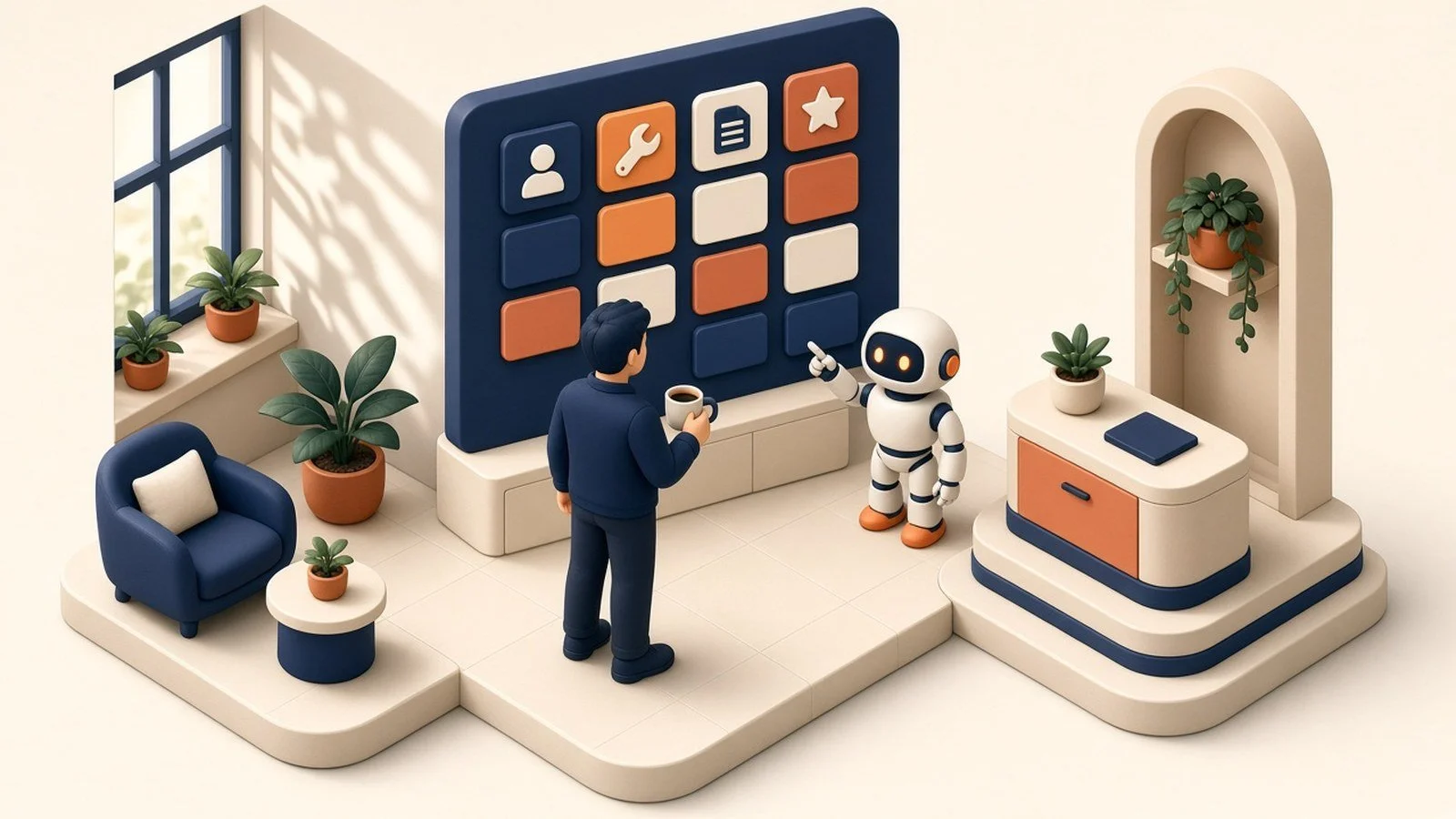
Monday morning that looks like a short brief of overnight leads, overloaded techs, stale quotes from the weekend, and completed jobs that still need a review ask before the first truck rolls. That's not a sci-fi command center on day one. It's one connected workspace aimed at the bottleneck that hurts most. Stack a few roles, such as CSR, estimator, and owner, and you're walking toward the AIOS Command Center, your AI Operating System, with one screen to run it, built one proven piece at a time.
Draw the line out loud
Techs and CSRs will use whatever is fastest. If that's a personal ChatGPT login, your price book and customer addresses are walking around on accounts you don't control. Put the company on a business AI account you own, load the rules once, then connect tools. Shadow AI isn't a culture lecture. It's the first operational fix. (Your Team Is Using AI on Personal Accounts.)
A branding firm we work with keeps design and creative work off-limits on purpose. Eloise published that boundary herself (Eloise Design Co.). For a home services shop, the parallel is clear: AI doesn't diagnose behind the wall or sign off on code work. It drafts, routes, summarizes, and prepares. Licensed judgment stays human.
Where to start
Start where the day breaks. For most shops, that's inbound response time or estimate turnaround. Pick one workflow. Connect a workstation to the two systems that workflow needs. Run it with a human approving every outbound message for two weeks. Measure time returned to the team and jobs not lost. Then decide what earns automation.
If it doesn't hold for two weeks, it wasn't the task. Up to you which bottleneck you pick, but pick one.
You're in the business of fixing homes and keeping trucks productive, not becoming an IT department. Standing this up so it works, and keeps working as seasons and crews change, is the part we do when you want help.
Start with a free 30-minute call. We'll look at the bottleneck before we recommend anything. If a single AI Workstation, a Payoff Audit, or a first AIOS Command Center module makes sense, we'll say why. If it doesn't, we'll say that too. Audit dollars credit toward the build within 90 days. We guarantee the deliverables and the out, never the outcome. If the audit doesn't show a clear payoff, you don't pay.
Does this replace my CSR or dispatcher?
No. It takes repetitive drafting, lookup, and first-pass sorting off their plate so they can handle exceptions and the customers who need a human. The judgment calls stay theirs.
We already pay for ServiceTitan, Jobber, or Housecall Pro. Isn't their AI enough?
Use it. Then notice what it can't see outside its own walls: texts, email, books, and the estimate that lives in a doc. The cross-system gap is usually where the next hour of capacity is hiding. You Switched On AI and It Still Feels Underwhelming covers why.
Where should a home services shop start?
I'd start with inbound response or estimate follow-up. It's a visible win with low risk when a human still approves sends. Setup layers: The Six Layers of an AI Setup That Actually Works. Related: AI for Construction Firms if you straddle remodel and build.
This is part of the Practical AI Toolkit series. Hub: Cornerstone 2: The AI Workstation Playbook. Read next: AI for Construction Firms.
Practical AI and automation for real businesses.
EagleWorks AI · Opelika / Auburn, AL · Schedule a call · info@eagleworksai.com