
AI for Real Estate Agents: Get Off the Admin Treadmill and Into the Deal

You didn't get into real estate to spend Tuesday night rewriting the same listing description for Zillow, Facebook, and your email blast. You got in for the deal. The walkthrough. The negotiation. The moment a buyer finally says yes.
Instead, half the week disappears into follow-ups that should have gone out yesterday, showing logistics that bounce between three calendars, and paperwork that always needs "just one more look." Buyers and sellers are already asking ChatGPT who to hire. If your name isn't in that answer, and your admin still owns your calendar, you're fighting with one hand tied.
AI helps when it sits across the tools you already use and drafts the work that steals your evenings. Here's where it actually pays off for agents.
TL;DR: A real estate workstation is one AI connected to your CRM, email, calendar, and listing tools. It drafts follow-ups, listing copy, showing prep, and market answers for your approval, and it helps you show up where buyers already look, including AI search, without inventing a new tech stack from scratch.
Follow-ups: drafts that match the lead stage, not a generic drip.
Listing marketing: one property brief turned into Zillow-ready copy, social, and email.
Showing prep: buyer notes, comps, and logistics pulled before you leave the office.
Market answers: plain-language replies grounded in your listings and local facts.
AI visibility: content and profiles that give engines something real to cite.
First, what we mean by a workstation
A workstation is a single AI, something like Claude or ChatGPT on a business account, connected to the systems you already run and taught how your business actually works. It pulls from those tools and does real work across them. You approve as you go. You automate only what has earned trust.
For a real estate agent or small team, that usually means the AI tied into your CRM (Follow Up Boss, kvCORE, LionDesk, or whatever you live in), Gmail or Outlook, Google Calendar, and your listing workflow. Because it remembers your voice, your neighborhoods, and how you write offers, it gets sharper over time instead of starting generic every morning.
This is the difference between an assistant that forgets your pipeline every day and one that actually knows which buyer is waiting on a second showing.
Follow-ups that don't die in your drafts folder
Most deals don't die in negotiation. They die in silence. The new lead who got a same-day text from three other agents while you were at a closing. The past client you meant to check in with after six months. The seller who went quiet after the inspection.
A workstation connected to your CRM and email can draft the next touch based on where the lead actually sits: new inquiry, showing complete, under contract, or past client. You still send it. You still sound like you. The difference is you're not staring at a blank screen at 9pm trying to remember who you owe a reply.
Roughly 7 in 10 buyers and 8 in 10 sellers talk to only one agent (NAR 2025 Profile). Speed and consistency are not nice-to-haves. They're how you stay in that conversation.

Listing marketing without rewriting the same house four times
You write the listing once in your head, then rewrite it for the MLS remarks, the Zillow description, the Instagram caption, and the email to your sphere. Same house. Four tones. An hour you'll never get back.
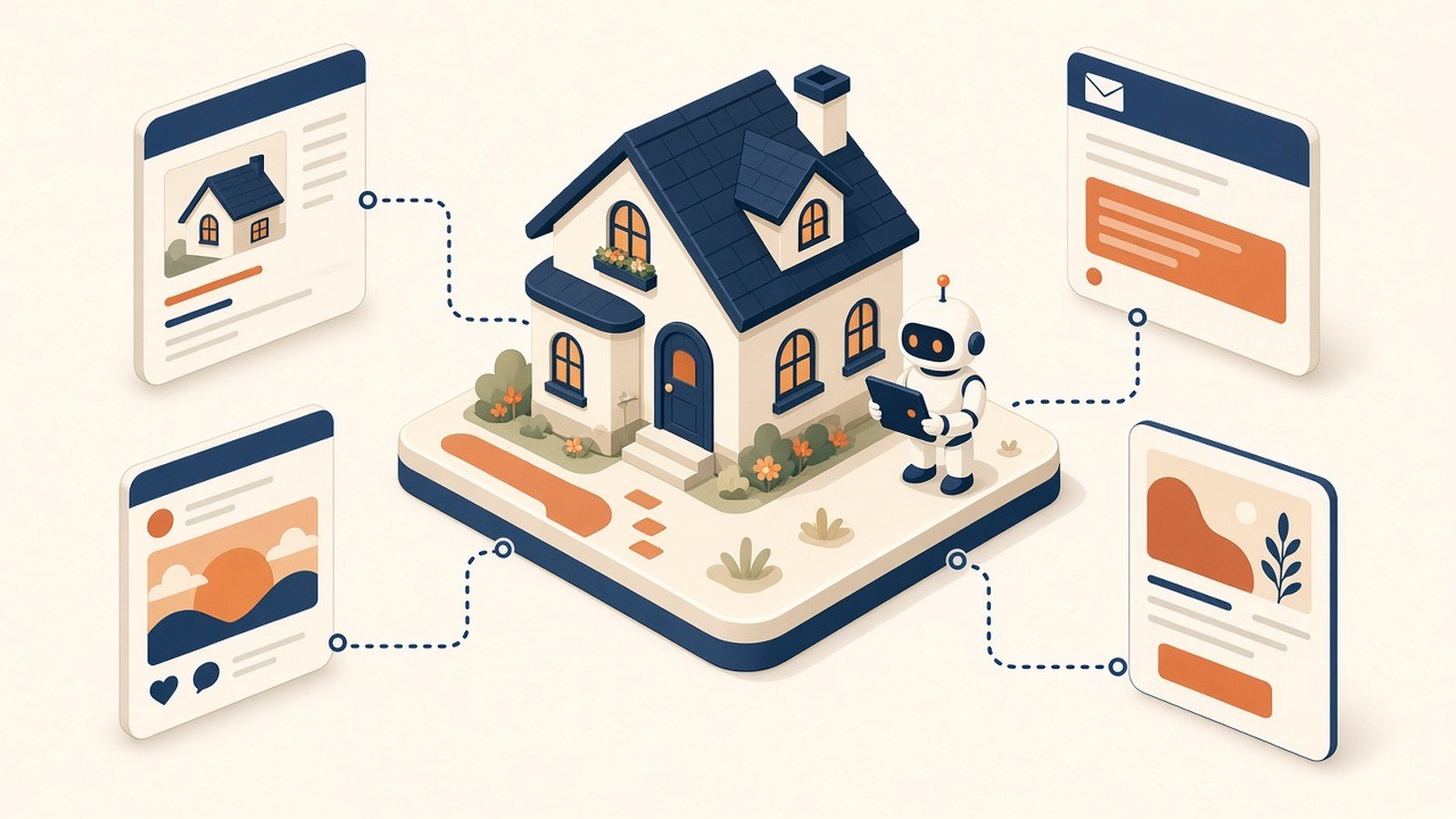
Point a workstation at the property brief, the photos, and your past listings that performed, and it can draft those versions in your voice for you to edit. Directories still matter. Buyers still start on Zillow, Realtor.com, and the other big portals. Your job is to show up clean and consistent everywhere the listing lives, not to become a full-time copywriter.
The agent still owns the story of the home. The AI just stops you from typing it four times.
Showing prep before you pull out of the driveway
Showing day is where good agents look effortless and busy agents look scattered. Who is this buyer again? What did they hate about the last house? Which comps do you want ready if they ask about price?
A workstation that can see your CRM notes, calendar, and recent emails can hand you a short prep sheet: buyer priorities, open questions, likely objections, and a couple of nearby solds. Not a novel. One page you can scan in the car.
Same idea after the showing. A quick voice note sent to your AI app or a few bullets becomes a follow-up draft while the conversation is still fresh, instead of three days later when you've already forgotten the detail that mattered.
Your CRM's built-in AI usually isn't enough
Follow Up Boss, kvCORE, and the big portals keep adding AI features. Use them. Auto-drafted texts and smarter lead routing beat doing everything by hand.
Notice where they stop: at the edge of their own product. Your CRM AI does not see the email thread where the buyer said they hate HOA fees. Your listing tool does not know the seller wants to be out before school starts. Your calendar does not draft the market update you promised a past client on LinkedIn.
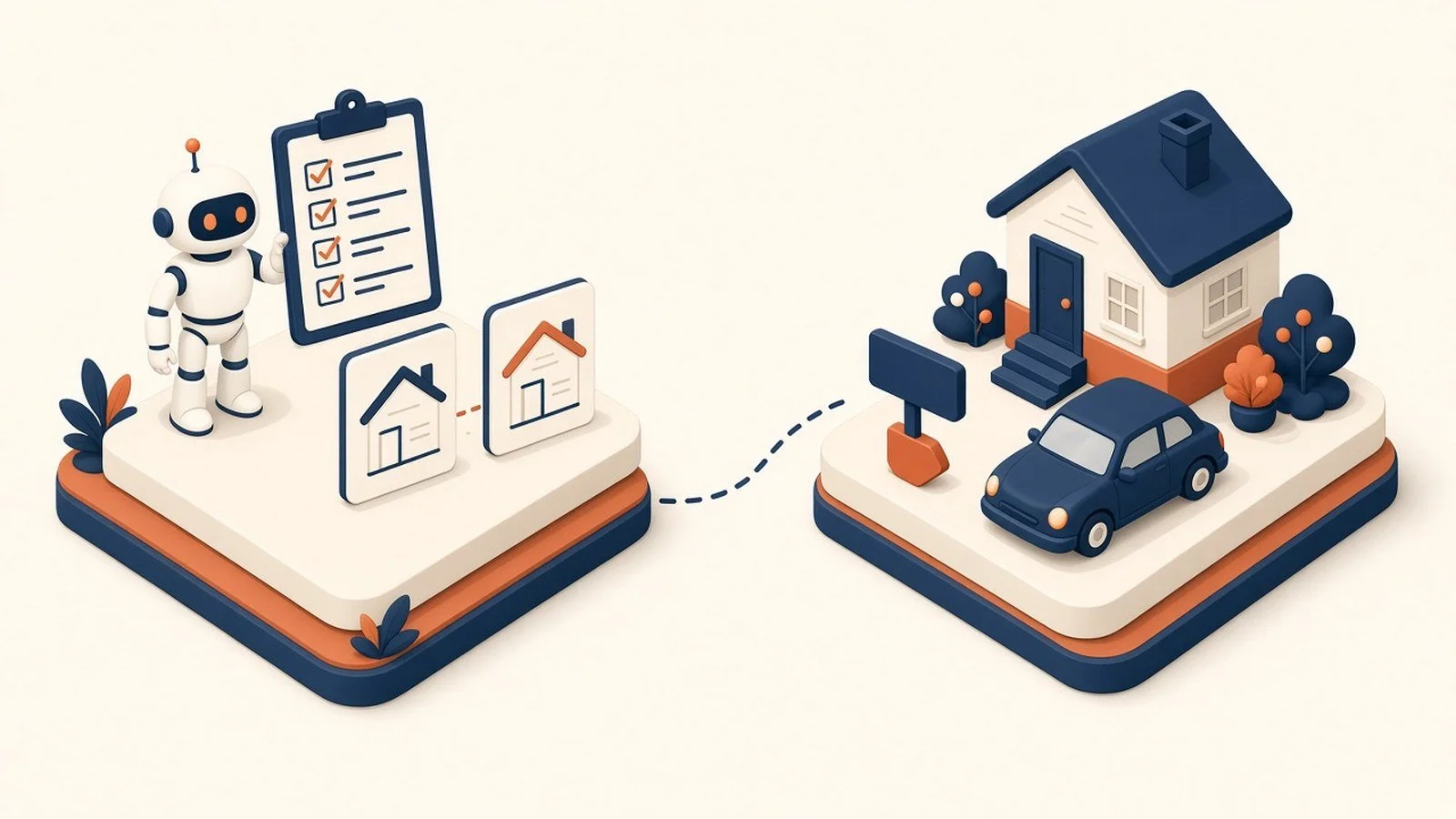
That gap, between CRM, inbox, calendar, and listing tools, is where agents lose hours and lose leads. A workstation sits across those tools so the cross-system work finally has somewhere to live. It does not replace your CRM's AI. It connects the pieces your CRM never sees.
Where it really clicks: one workstation across the deal
Each piece helps alone. It compounds when the same workstation sees the lead, the listing, the showing, and the follow-up together.
Monday morning, it can hand you a short read: who went quiet, which listings need fresh copy, which showings need prep, which past clients are due a check-in. That is the difference between a pile of real estate apps and a setup that runs as one thing, with you reviewing and approving instead of chasing every thread by hand.
A quick word on the data and security
You're handling SSNs on loan apps, lockbox codes, and financials sellers would not want floating around. That belongs on a business AI account your brokerage or team owns and controls, not a personal ChatGPT login on someone's phone. Set that foundation before you connect CRM or email. (We cover the why in our piece on team AI environments.)
Where to start
Start with the work that steals the most evenings. For most agents that's follow-ups or listing copy. Connect a workstation to your CRM and email, pick ten active leads or one new listing, and see how fast the drafts beat a blank page.
The how is simple to describe and a little more work to do well. You pick an AI engine, Claude or ChatGPT, connect it to CRM, calendar, and listing tools, and write the rules that fit how you sell. Some agents have a tech-forward teammate who can do that. Plenty don't, and it's a fair question: are you in the real estate business, or the AI and IT business? Standing this up so it works deal after deal is the part we do.
Whether that's a single workstation or Visibility work so buyers can find you when they ask AI who to hire, we're here for as much or as little as you need.
Does this replace my assistant or transaction coordinator?
No. It takes the first-draft load off follow-ups, listing copy, and prep so your coordinator and you spend time on exceptions, clients, and closings. The relationship work stays human.
Buyers already use ChatGPT. Do I need to "optimize for AI"?
You need to be findable where they already look. Do you have profiles across the top Real Estate Agent directories as well as few that you may not have heard of? Clear answers on your site, a complete Google Business Profile, and local FAQ content give engines something real to cite. Directories still matter. Empty pages and vague bios do not.
Where should a solo agent start?
Follow-ups. It's the fastest relief: leads you already have, sitting quiet in the CRM, waiting on a reply you meant to send. The setup behind a full workstation is in The Six Layers of an AI Setup That Actually Works.
This is part of the Practical AI Toolkit series. Hub: Cornerstone 2: The AI Workstation Playbook.
Practical AI. No hype. Just ROI.