Blog

Practical AI for small and mid-sized businesses: setup guides, team playbooks, and industry use cases from the EagleWorks team. New posts every week.
Industry Mark McCary Industry Mark McCary

AI for Independent Retail: Win the Shopper Who Finds You on Instagram First

Your new customers meet you on a screen before they pass the window. One AI assistant that knows your inventory, customers, and socials changes that math.

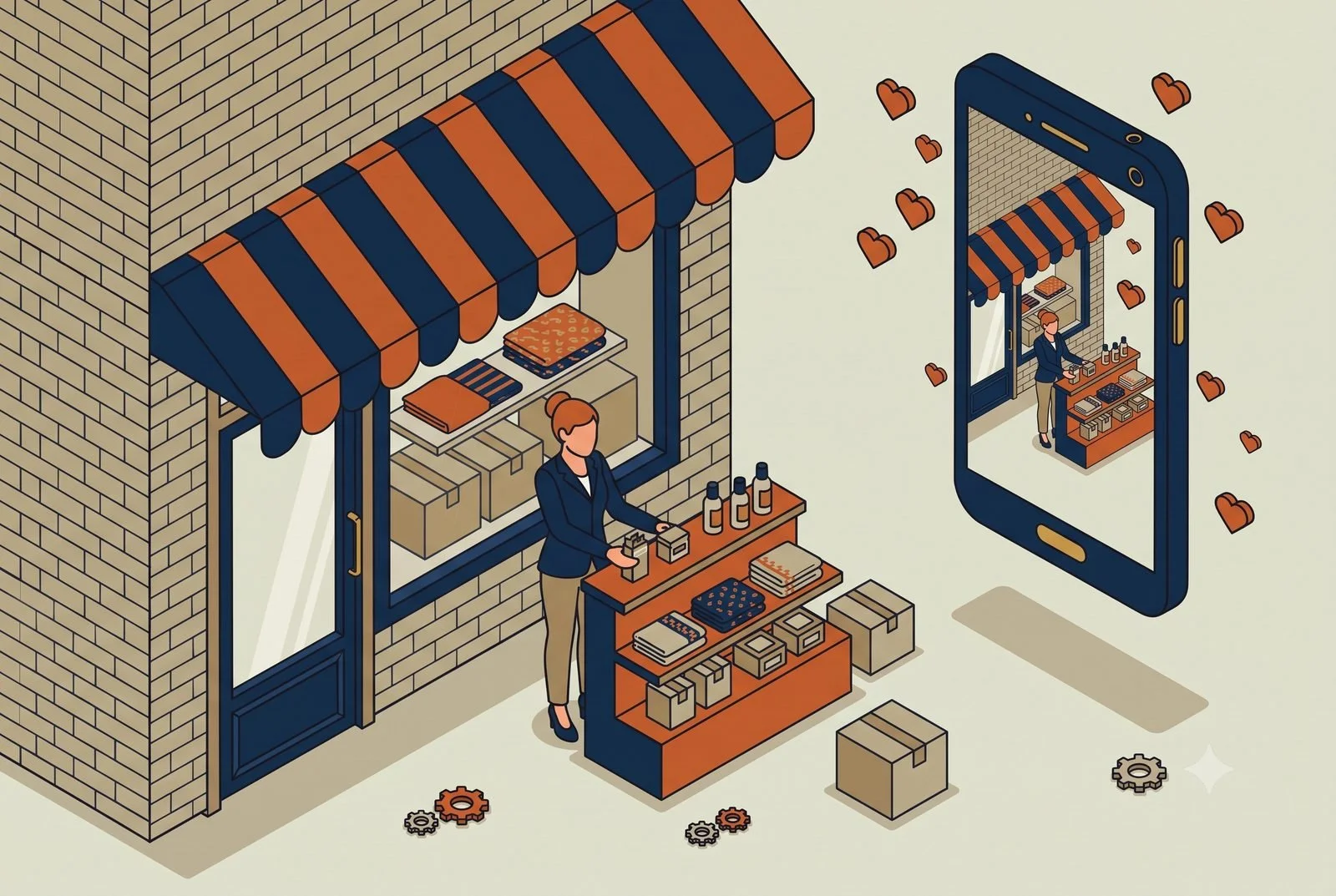
Most of your new customers meet your store on a screen before they ever pass the window. They find you on Instagram, they compare you to Amazon and every big brand in the same thirty seconds, and they decide whether you're worth the trip. Foot traffic is flat across most of retail, so the shop that wins isn't the one with the best corner. It's the one that shows up well online, knows what's actually selling, and makes a regular feel remembered.

That's three full-time jobs, and in most independent shops, clothing boutiques, gift and variety stores, the candle-and-art-and-apparel spots, it's all one person. You're the buyer, the merchandiser, the marketer, and the one at the register when it gets busy. Something always gets dropped, and lately it's usually the online side, which is exactly the part deciding whether new customers find you.

AI helps you cover all three without cloning yourself. Here's where it pays off first.

TL;DR: A retail workstation is one AI that knows your whole shop: your POS, your socials, and your customer list. It runs the content engine that gets you found on Instagram, tells you what to reorder and what to mark down, and brings regulars back without a corporate clienteling budget.

  • Content engine: the week’s posts drafted from what’s actually in stock.

  • Inventory: buy more of this, mark down that, before the season turns.

  • Clienteling: regulars nudged back with the right message.

Think of it as one assistant that knows your whole shop

Everything below runs on the same idea, so picture it before the examples.

You already use a few tools that don't talk to each other. Your POS and inventory, probably Lightspeed, Shopify, or Square. Your email and texts, something like Klaviyo or Mailchimp. Your Instagram and TikTok. Each one holds a piece of your business, none of them sees the whole picture, and the only place they come together is in your head, after close.

A workstation is what ties them together. It's a single AI, something like Claude or ChatGPT, that you give access to those tools and teach about your shop: your brand, your products, the way you talk to customers. Then it can pull from all of them and do real work across them, with you approving as you go and automating the parts you trust. Less a new app to check, more an assistant who already knows your store and never has to ask where anything is.

And it remembers. As it works, it sees which posts drove sales and which flopped, what sold through and what sat on the shelf, and it carries that forward. The longer you use it, the sharper it gets, because it's learning what works in your shop instead of starting from scratch every week.

1. The content engine, because social is how they find you

For retail, this is the one that moves the needle most, because social is now the front door. The problem isn't that you don't know what to post. It's that posting consistently, well, while running the floor, is nearly impossible by hand.

A marketing workstation loaded with your brand voice, your look, and your product list turns that around. From a quick note or a few photos of what just came in, it drafts the week's posts, stories, and product features, plus the email and text campaigns to match, all sounding like your shop instead of generic AI. When video is the post that performs, and on Instagram and TikTok it usually is, a tool like HeyGen can turn a script into a polished clip of you, an AI "twin" that delivers the message cleanly, no reshoots and no stumbling over lines, so you can show up on camera every week without filming every week. Tied into a tool like Klaviyo, it can even turn an Instagram comment into an email signup automatically, so the engagement you're already getting actually grows your list instead of scrolling by.

You still approve what goes out. You just stop choosing between running the store and showing up online.

2. Inventory that tells you what to buy and what to dump

The quiet killer in independent retail is cash tied up in stock that isn't moving, while the thing that sells out never gets reordered in time.

A workstation connected to your POS can read your actual sales and tell you what you'd otherwise piece together by hand: which styles and colors are moving, what's gone stale and should be marked down to free up cash, what to reorder before you run out. For an apparel shop running size and color variants in Lightspeed, that's the difference between buying on gut and buying on what the numbers say. For a gift or variety store with hundreds of small SKUs, it's finally being able to see which lines earn their shelf space.

Better buying decisions are pure margin. Every dollar not stuck in dead candles is a dollar you can put into what's actually selling.

3. Clienteling, so regulars come back

Your edge over the big box and the marketplace is that you can actually know your customers. Most shops just don't have time to act on it.

A workstation connected to your sales history and your email or text tool can. It can spot the customer who bought three times last year and hasn't been in lately, flag the regulars who love a brand you just restocked, and draft the text or email, "we got the scent you like back in," ready for you to send. It turns the relationship you already have into repeat business, without you keeping a mental list of who likes what.

Where it really clicks: one workstation across all of it

Each piece helps alone. It compounds when the same workstation sees your inventory, your customers, and your socials together.

Because it does, it can connect dots no single app can. A best-selling candle drops to its last few units: the workstation flags the restock, drafts a "back in stock soon" post, and lines up a text to the customers who bought it before, all in one move. A new shipment lands: it drafts the product posts and emails from the line sheet while you're still unpacking. Monday morning, it hands you a plain read of the week, top sellers, dead stock, which posts actually drove sales, instead of three dashboards you don't have time to open.

That's the difference between a pile of apps and a shop that runs as one connected thing. Stack a few of these workstations across the shop and you've got what we call an AI operating system: one layer that runs across the whole business, built one workstation at a time.

A quick word on the data

You're holding customer contact info and purchase history. That belongs on a business AI account your shop owns and controls, not a personal login, so your customers' information stays protected. It's a quick foundation to set, and worth setting before you connect your systems. (We cover the why in our piece on team AI environments.)

Where to start

Start with the content engine, since social is where you're losing the most ground by default. Load a workstation with your brand and your products, connect your email and social tools, and let it draft a week of posts and a campaign for you to approve. The first week you post consistently without it eating your floor time, you'll feel it.

The how is simple to describe and a little more work to do well. You pick an AI engine to build on, Claude or ChatGPT, connect it to your POS, your email tool, and your socials, and write the rules and workflows that make it yours. Some owners will build it themselves. Plenty won't, and it's a fair question to ask: are you in the retail business, or the AI and IT business? Standing it up so it works, and keeps working as your inventory and seasons change, is the part we do, so you can stay focused on the floor and running your business.

Whether that's a single workstation, a handful of them, or a full AI operating system across your shop, we're here to help with as much or as little as you need.

Questions we hear from shop owners

I don’t have time for social media. Does this actually help?

That’s the case it’s built for. The workstation drafts the week’s content from what’s in stock and what’s moving; you approve and post. The shopper who finds you on Instagram first sees a live shop, not a dead feed.

What data does it need to be useful?

Your POS and your socials to start, connected read-only. That’s enough for the content engine and the buy-or-markdown calls. Harnessing the apps you already pay for covers the one-week version.

Where should a shop start?

The content engine, because being findable is what feeds everything else. The setup behind the full workstation is in The Six Layers of an AI Setup That Actually Works.This is part of the Practical AI Toolkit series. Hub: Cornerstone 2: The AI Workstation Playbook. Read next: AI for Bars and Restaurants.

Read More